


Irish FA
Accredited Club

Toddler Soccer
Mini Soccer
Tw Braga
Football For All
Holiday Camps
Club Tours
Birthday Parties
1 on 1 Coaching
My Sports Cards
Coaches Section
Tim Wareing
Franchise
Journey
Media
Success Stories

Staff
-
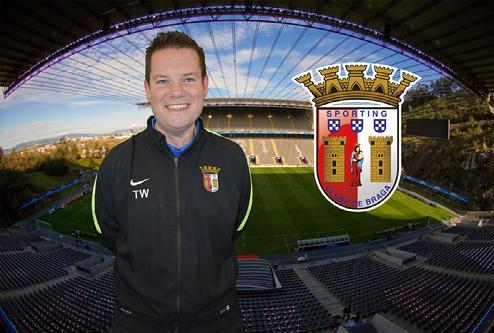
Tim Wareing
Academy/director
-
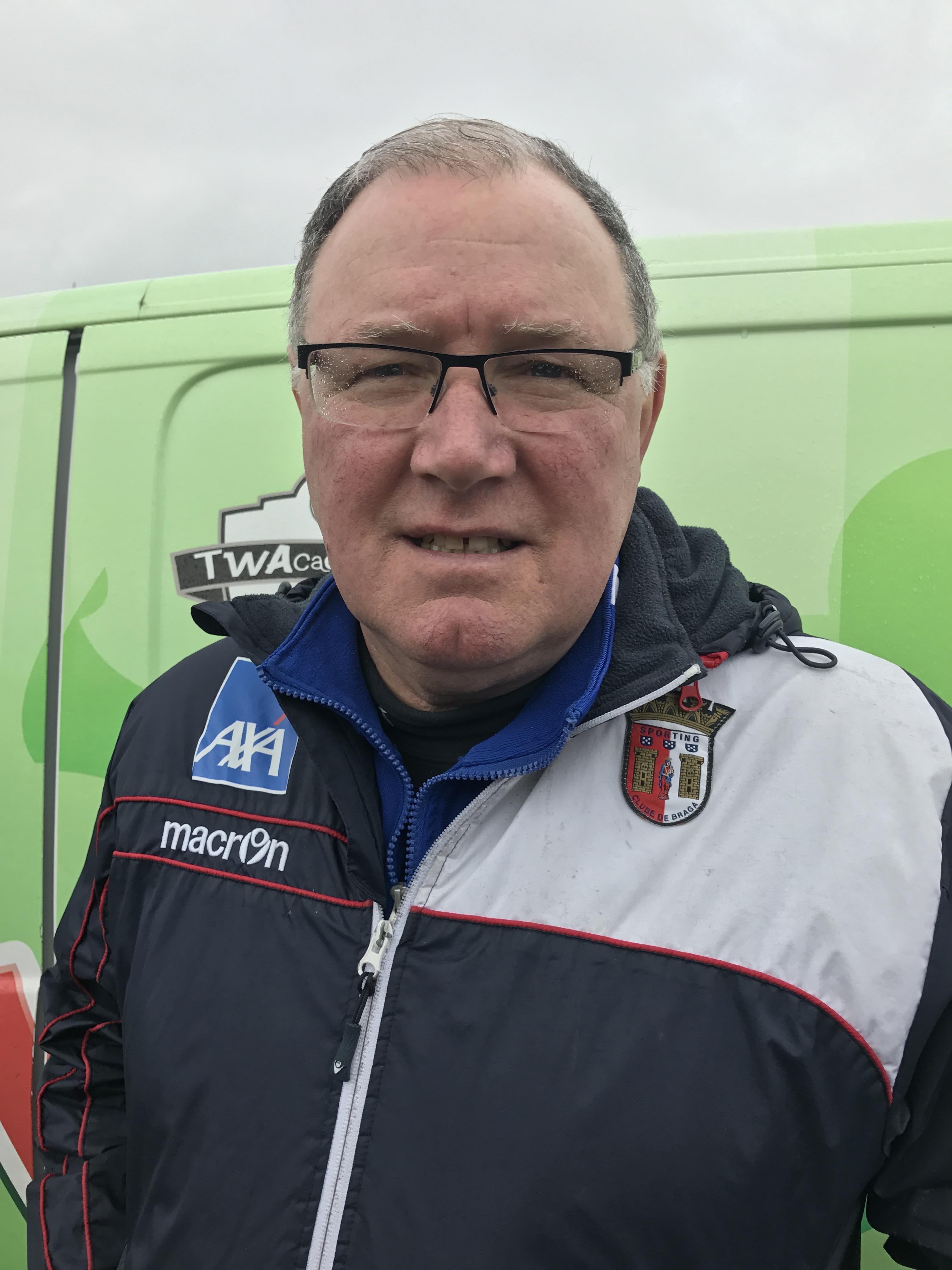
Paul Kirk
Head/coach
-
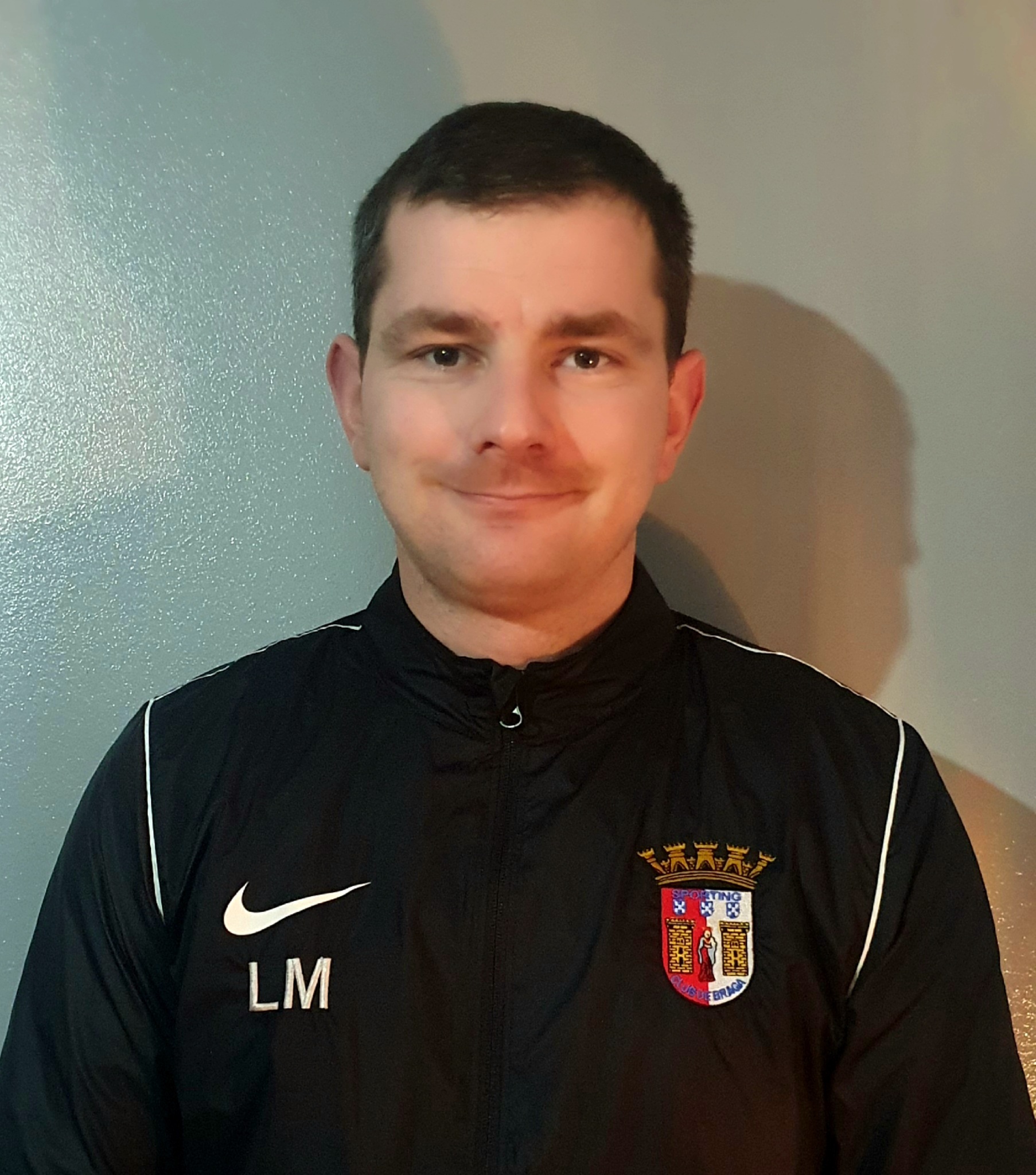
Liam McCusker
Head/coach
-
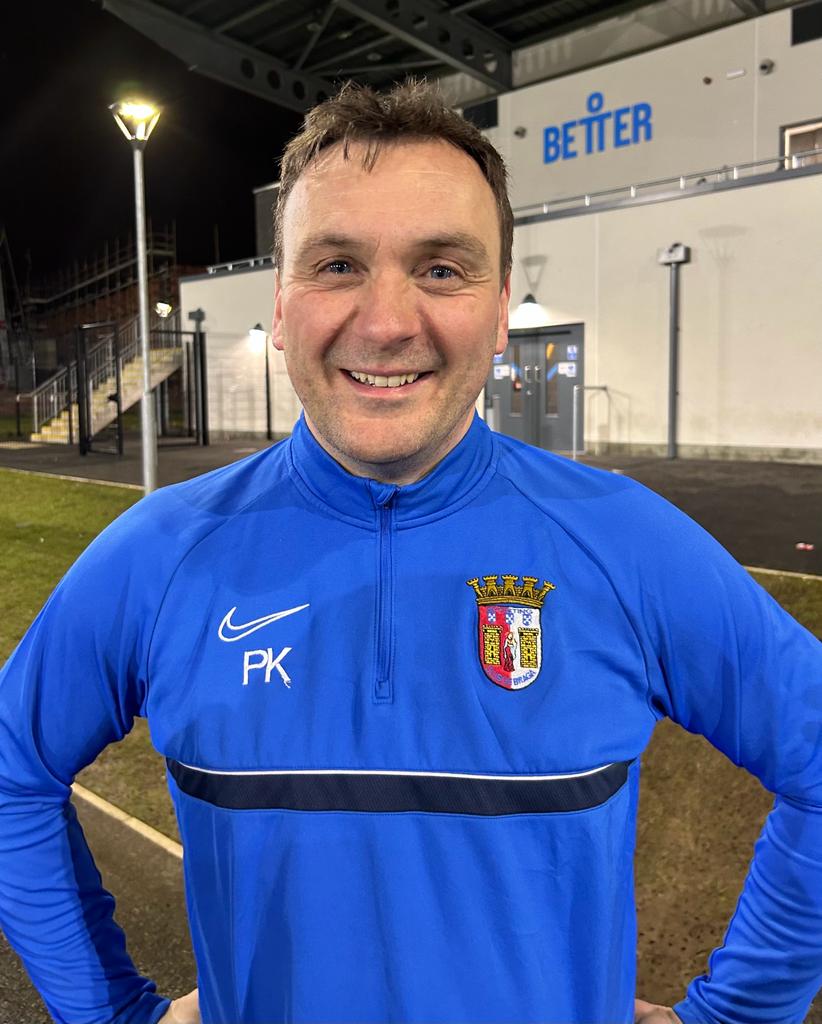
Pip Kerr
Coach
-

Tarek Arafa
Head/coach
-
Jordan Young
Head/coach
-
David Forsythe
Coach
-
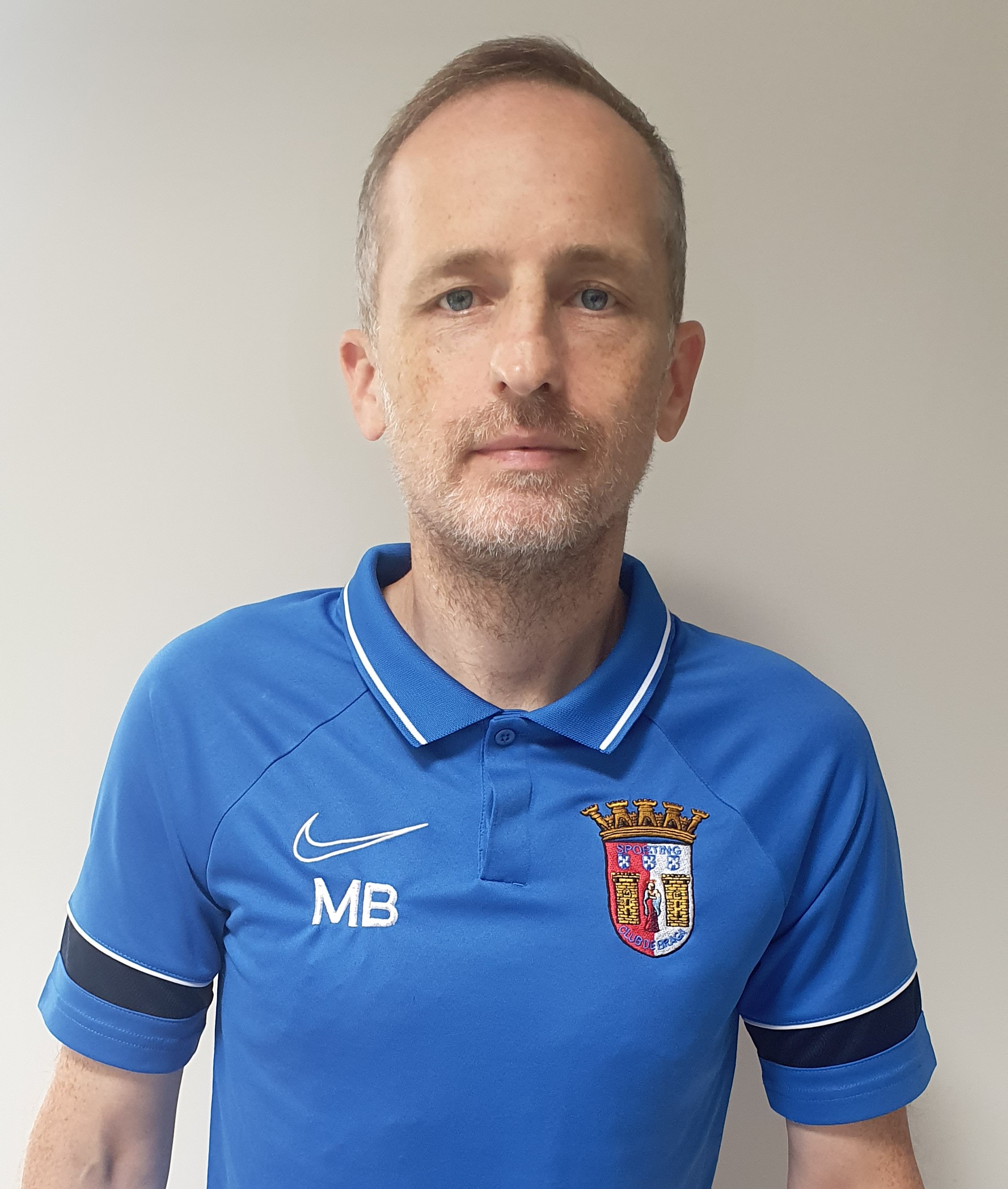
Matt Boyle
Head/coach
-

Allister Taggart
Junior/coach
-
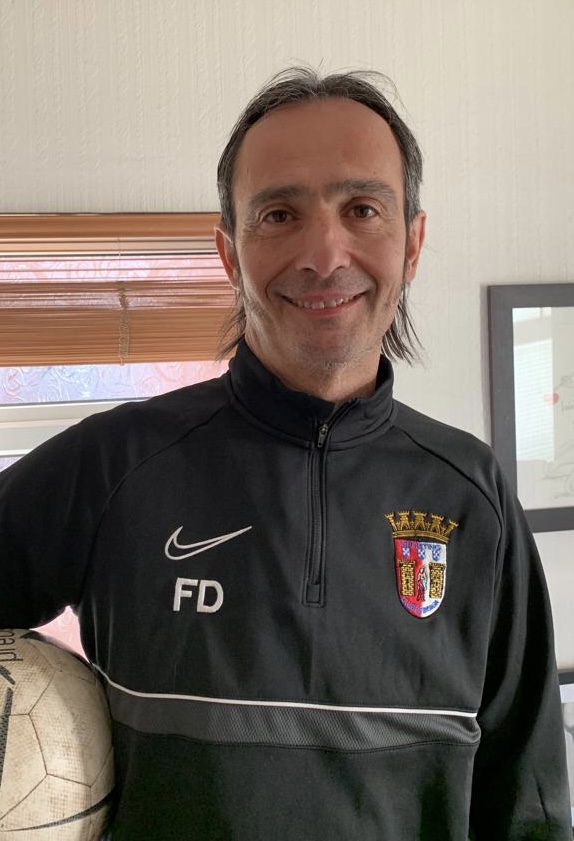
Franco d'Arco
Coach
-
Sean McDonald
Head/coach
-
Tom Webb
Head/coach
-
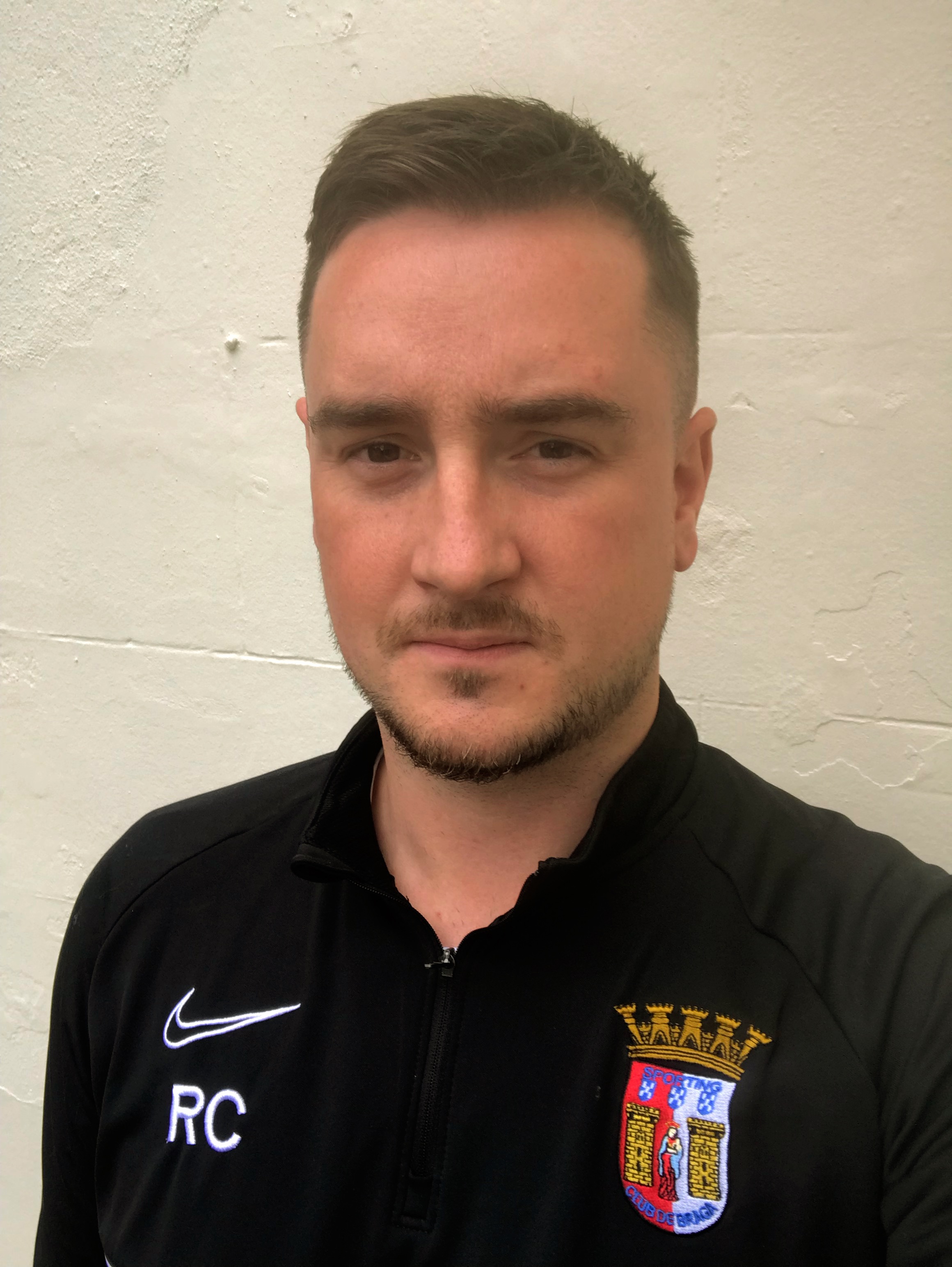
Robbie Clarke
Coach
-
Steven Armstrong
Coach
-
Daniel Mooney
Head/coach
-
Adam Benson
Coach
-
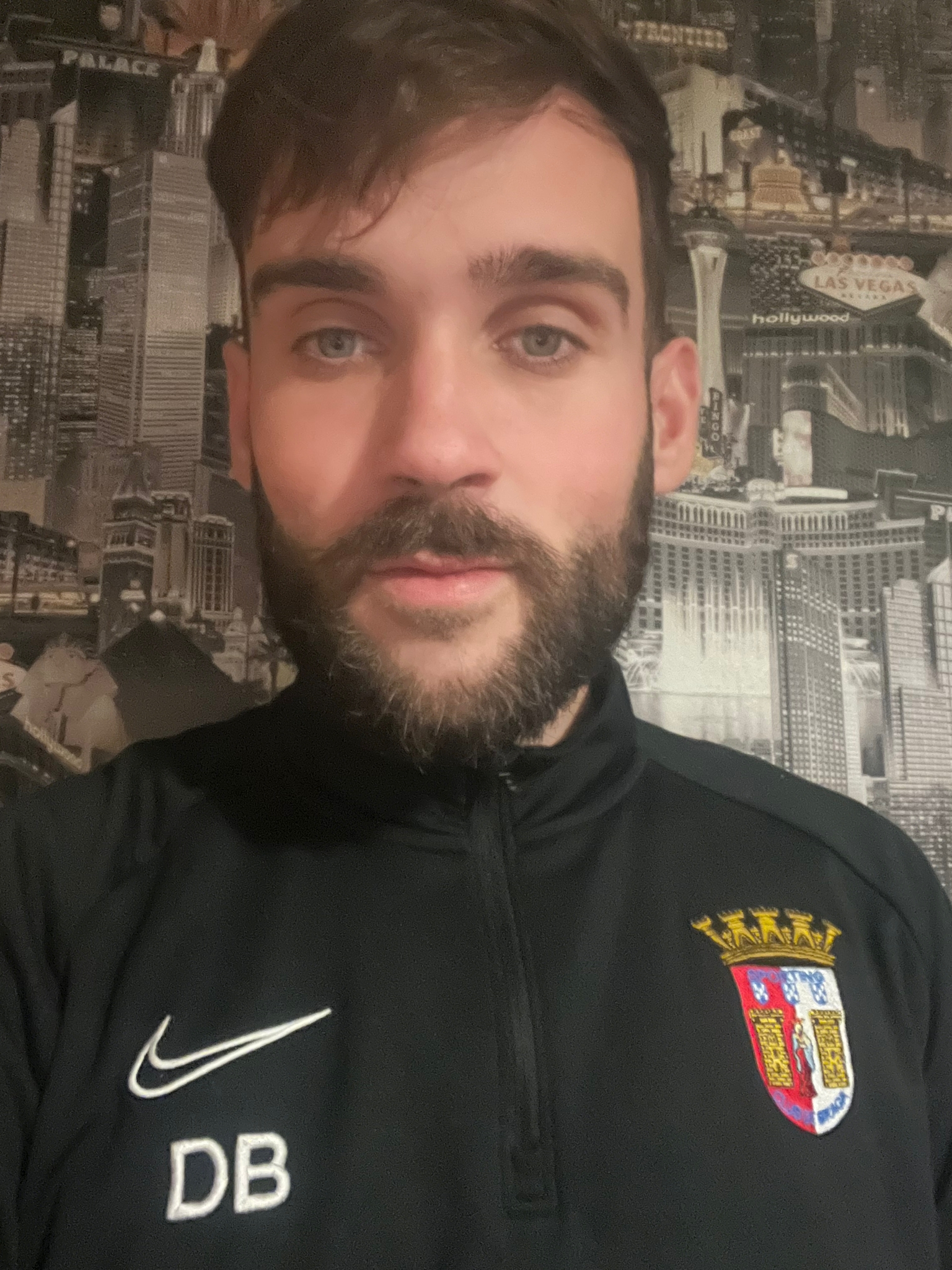
Darren Bell
Head/coach
-
Aimee Lee Peachy
Coach
-
Ben Tilney
Coach
-
Arran McManus
Coach
-
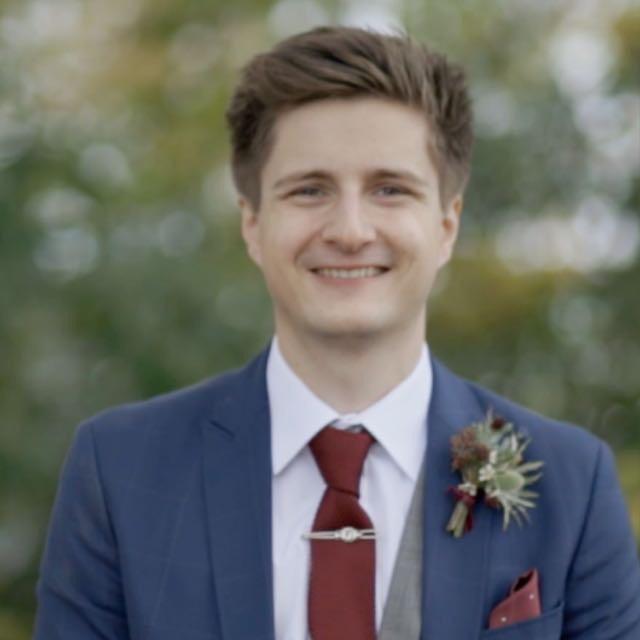
James Stafford
Coach
-
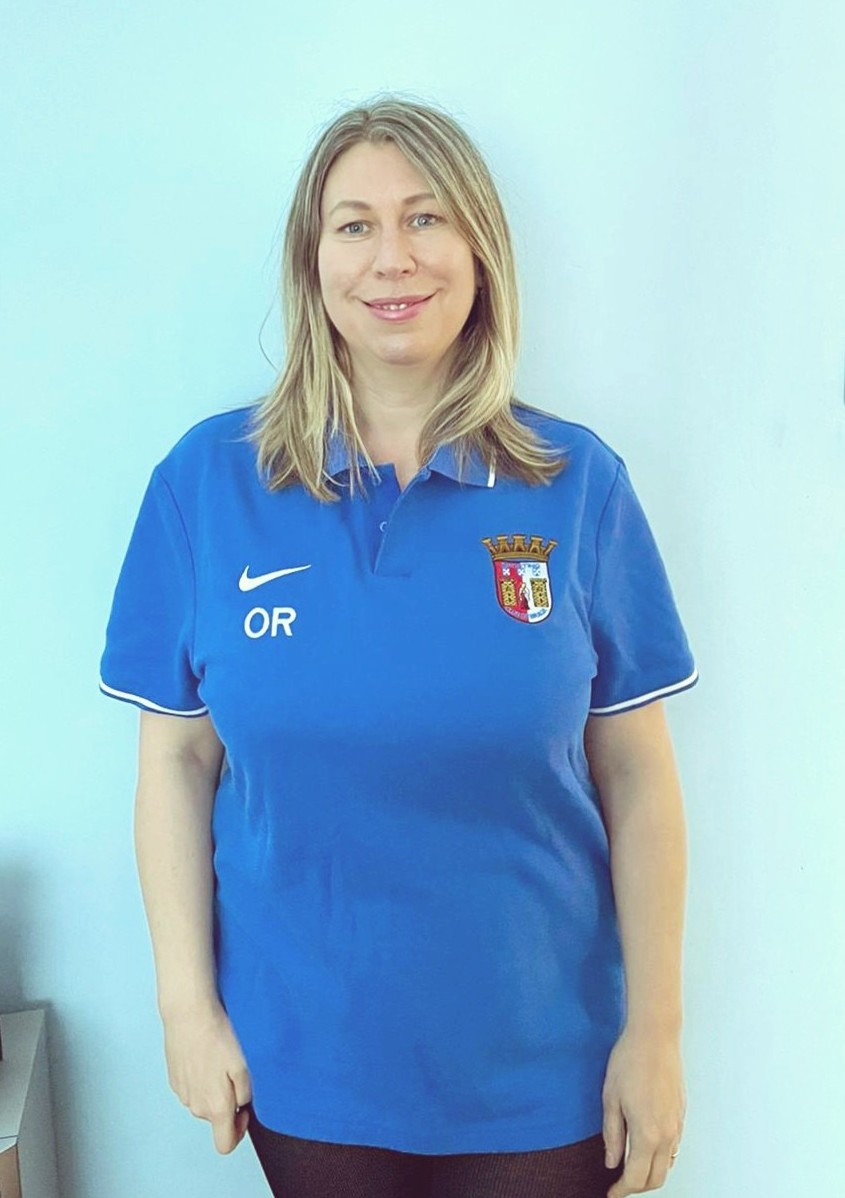
Olga Rankin
Committe/member
-
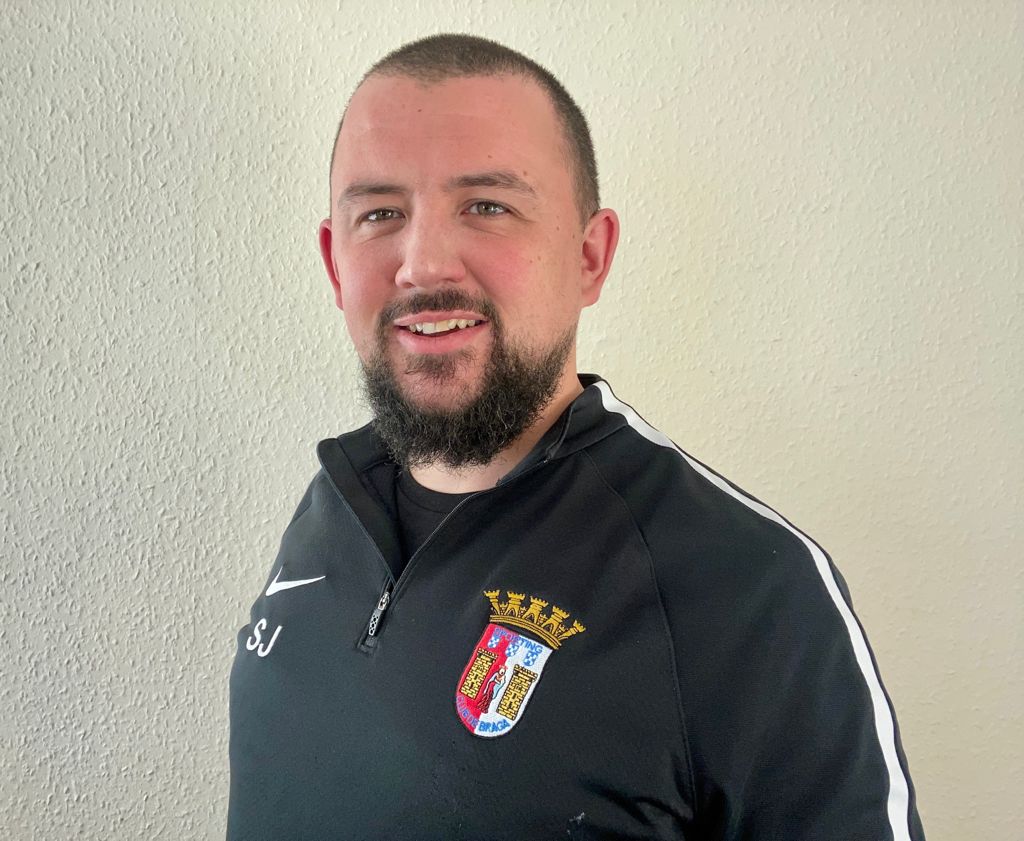
Stephen Jones
Committe/member
-
David McCullough
Committe/member
-
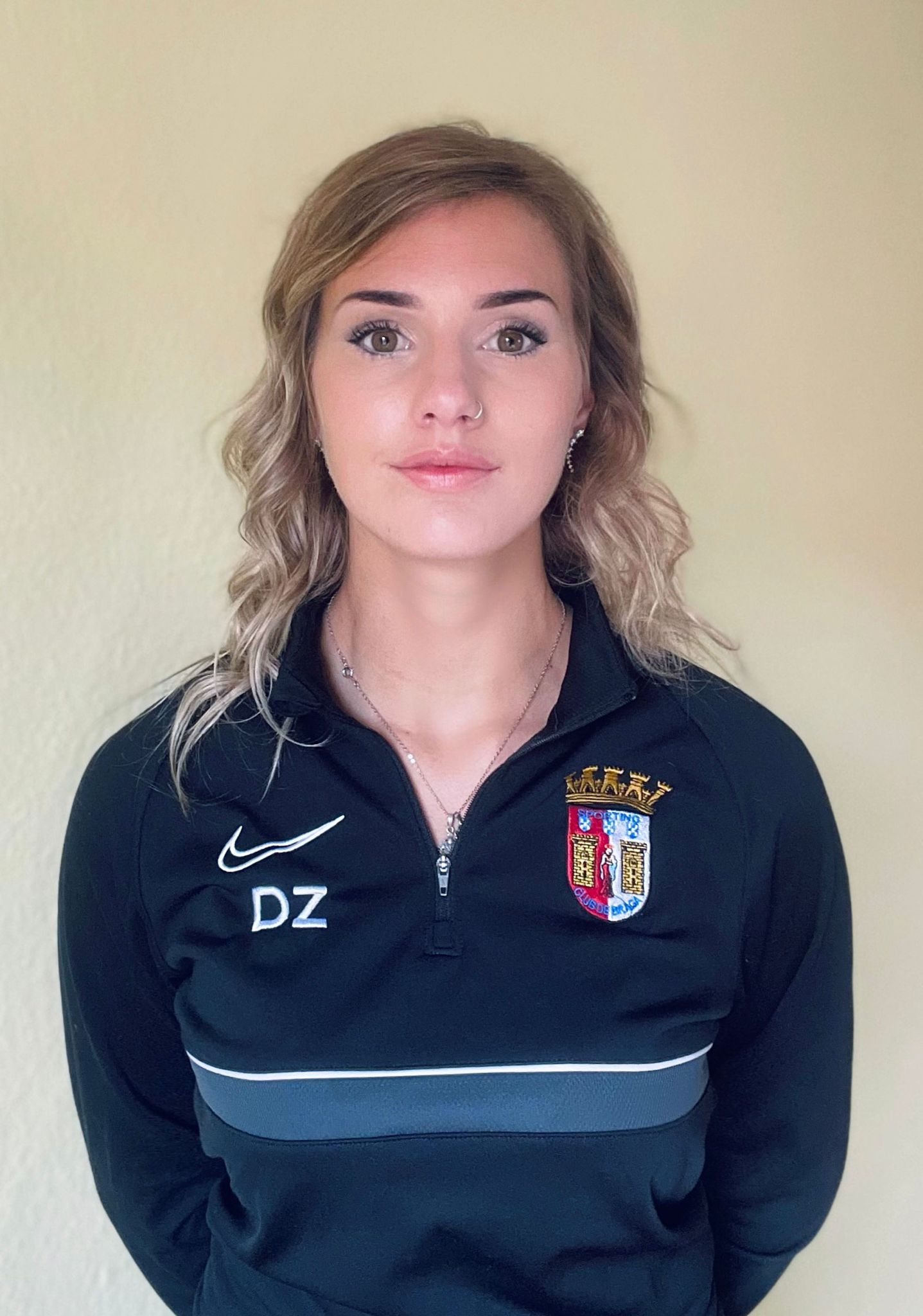
Dorothea Zerkler
Committe/member
-
Stephen McAlees
Coach
-
Frank McLean
Coach
-
Michael Evans
Coach
-
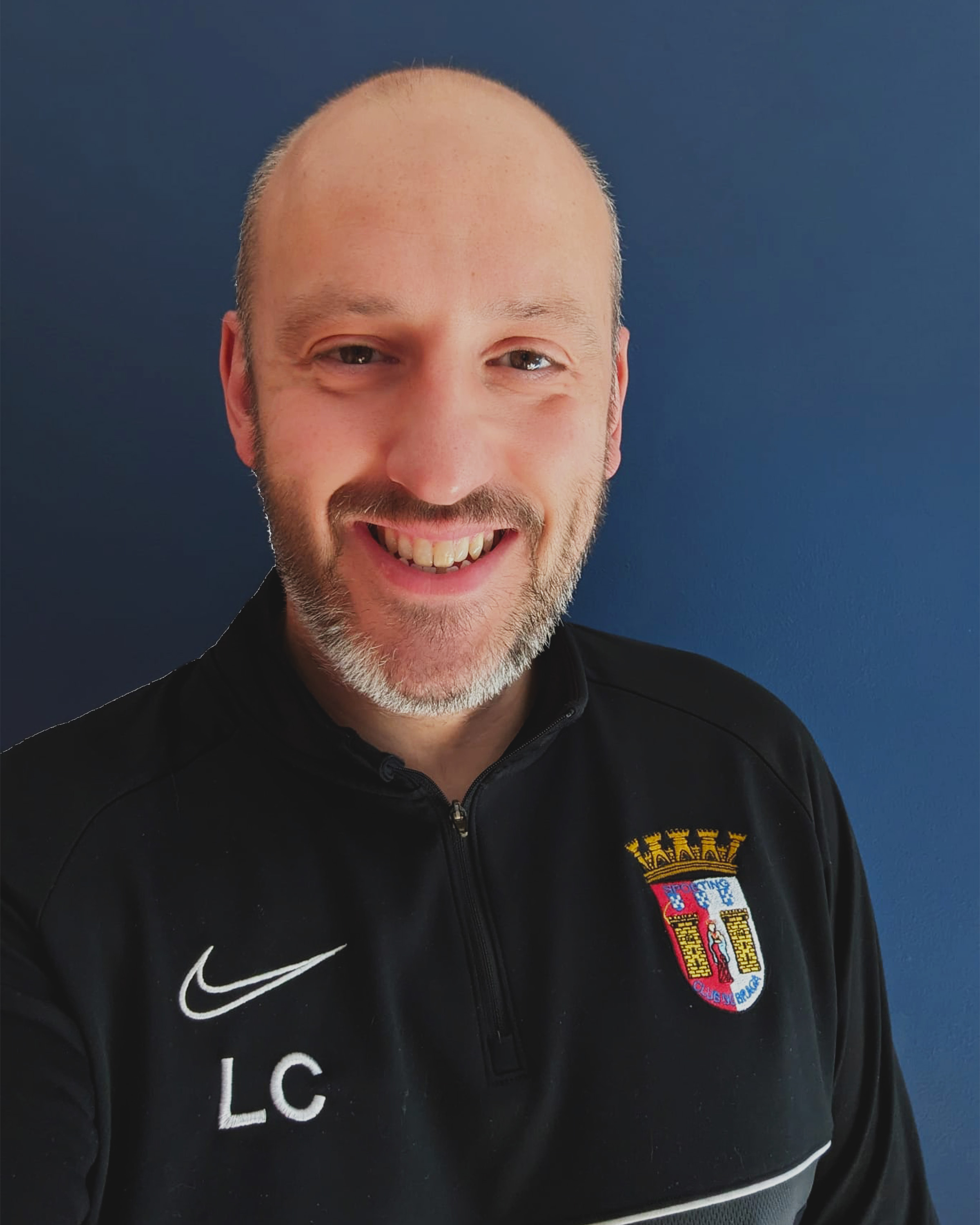
Lee Charker
Coach
-
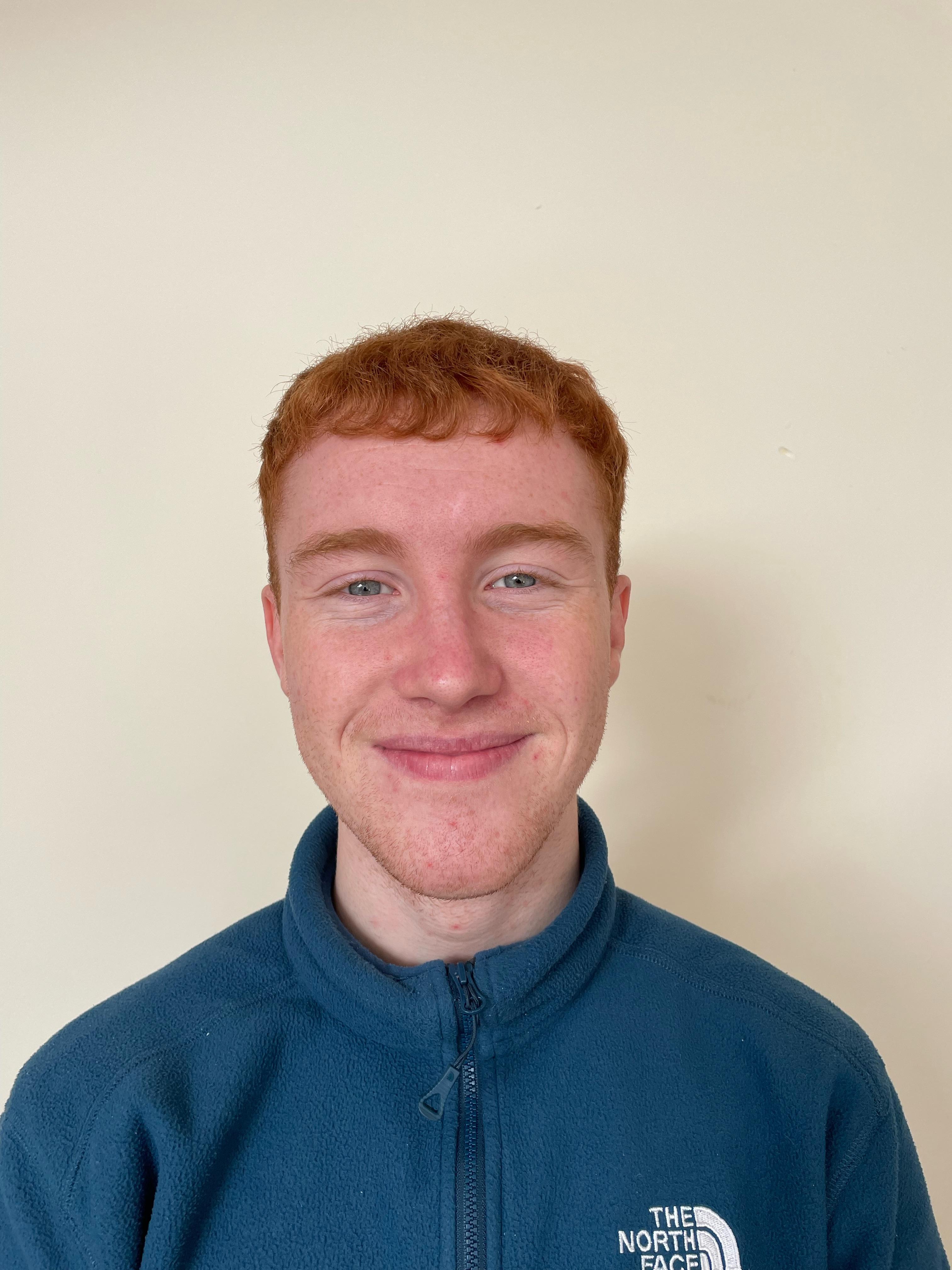
Drew Irwin
Coach
















Teams
-
2009's
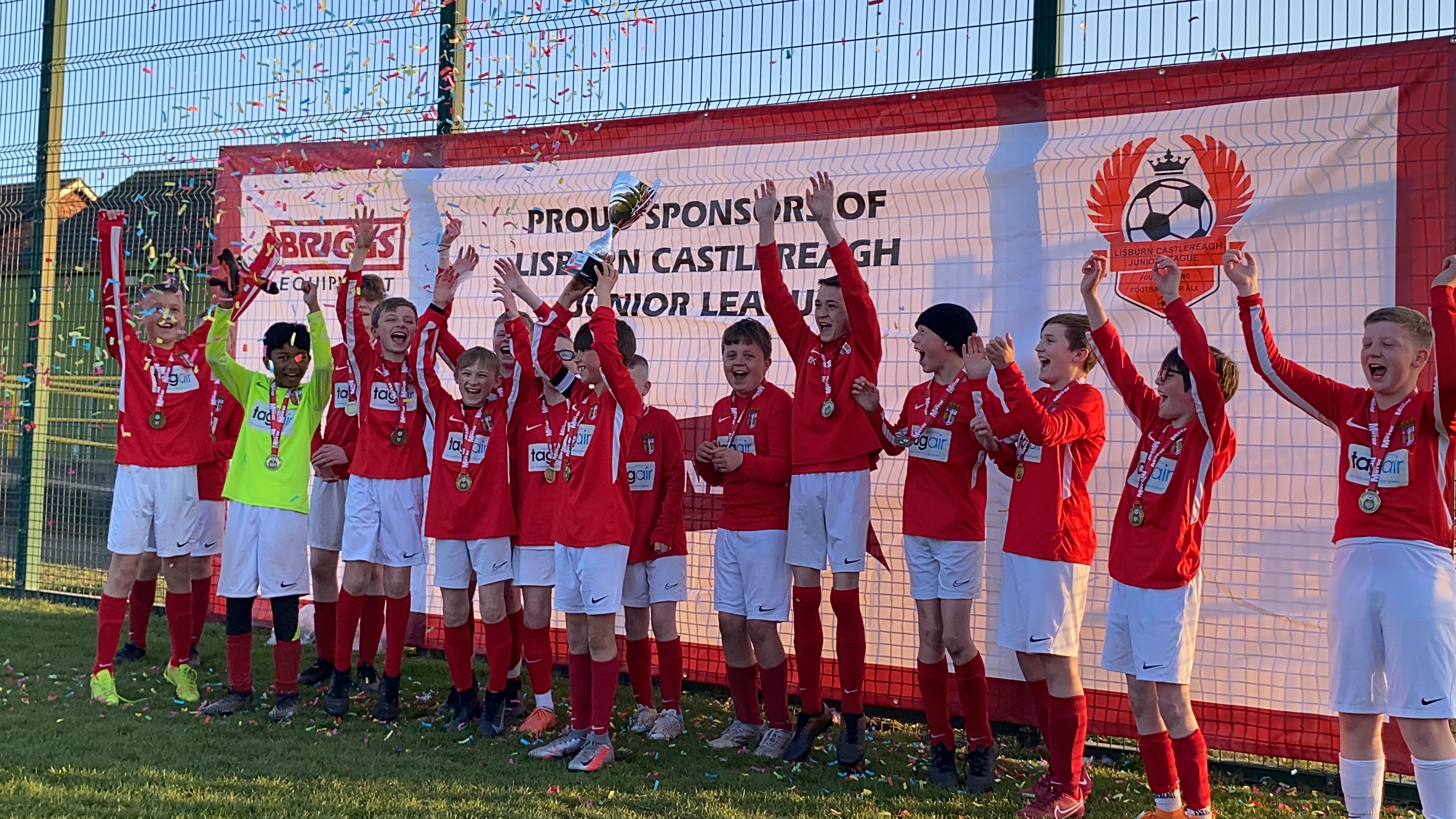
TW Braga 2009/10
This is our 2009/10 squad. They play 11 aside in the Lisburn League.
For more information please contact 07740120788.
-
2011's
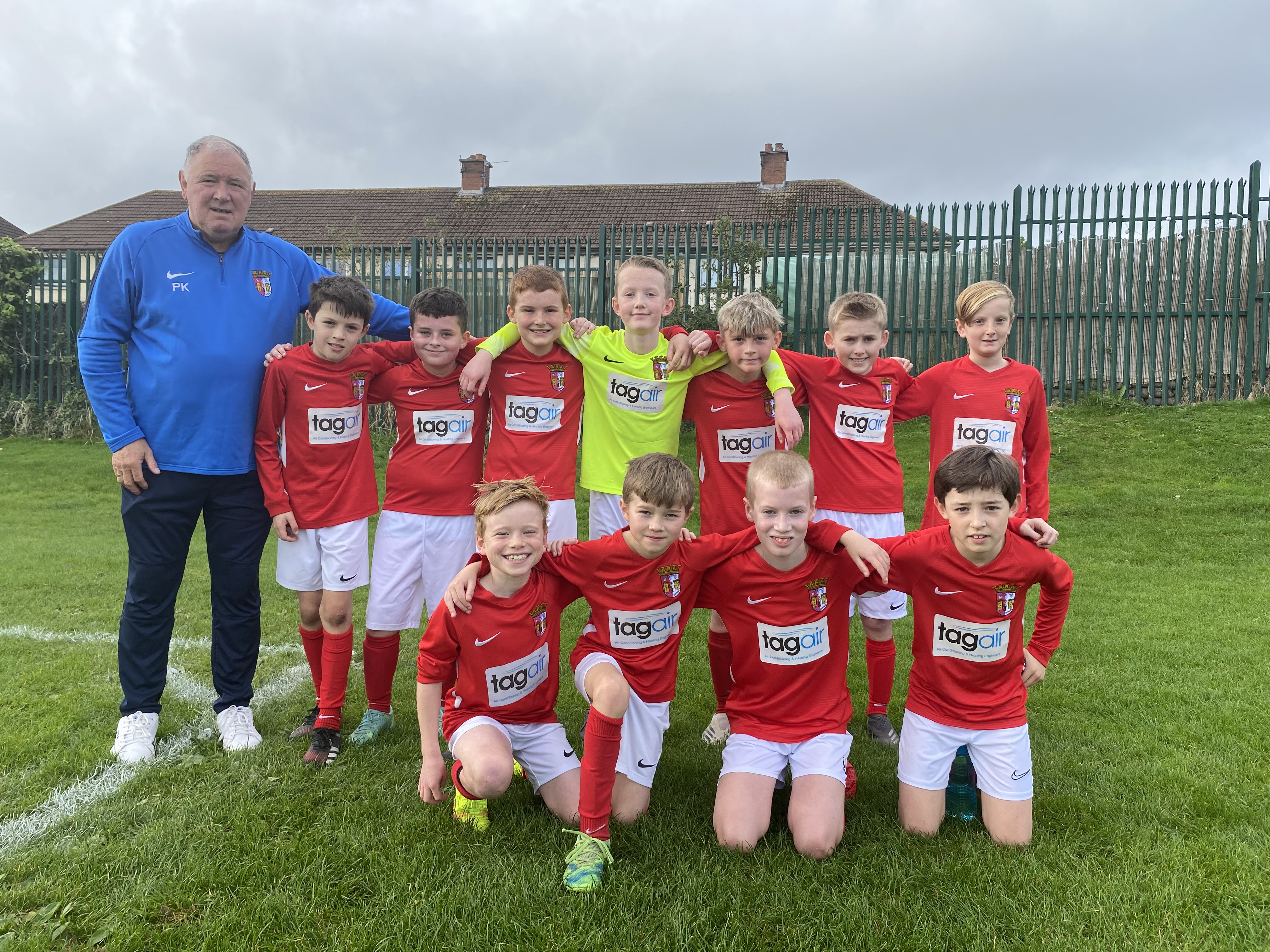
TW Braga 2011
This is our 2011 squad. They play 11 aside in the Lisburn League.
For more information please contact 07740120788.
-
2012's
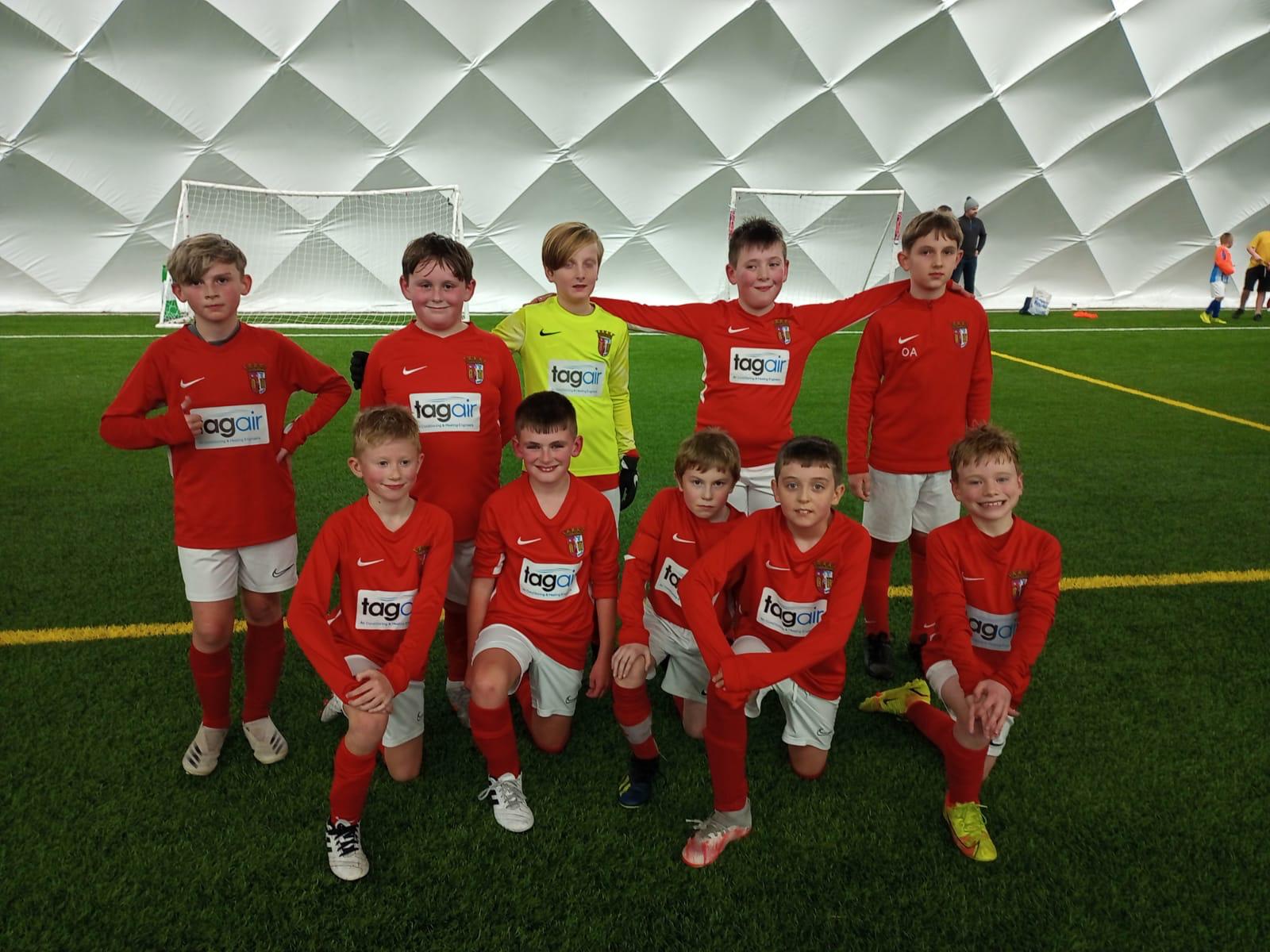
TW Braga 2012
This is our 2012 squad. They play 9 aside in the Lisburn League.
For more information please contact 07740120788.
-
2013's
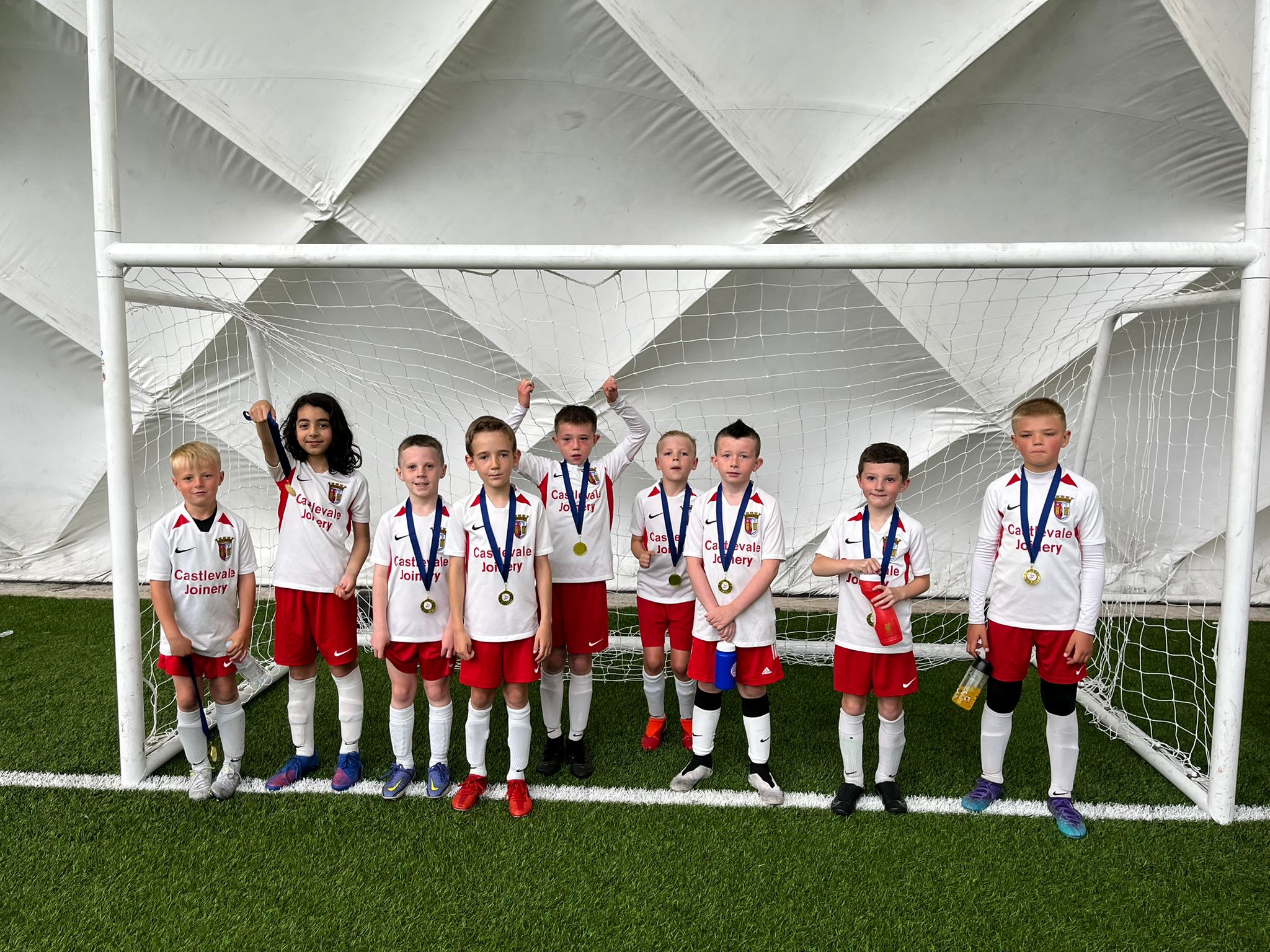
TW Braga 2013
This is our 2013 squad. They play 9 aside in the Lisburn League.
For more information please contact 07740120788.
-
2014's
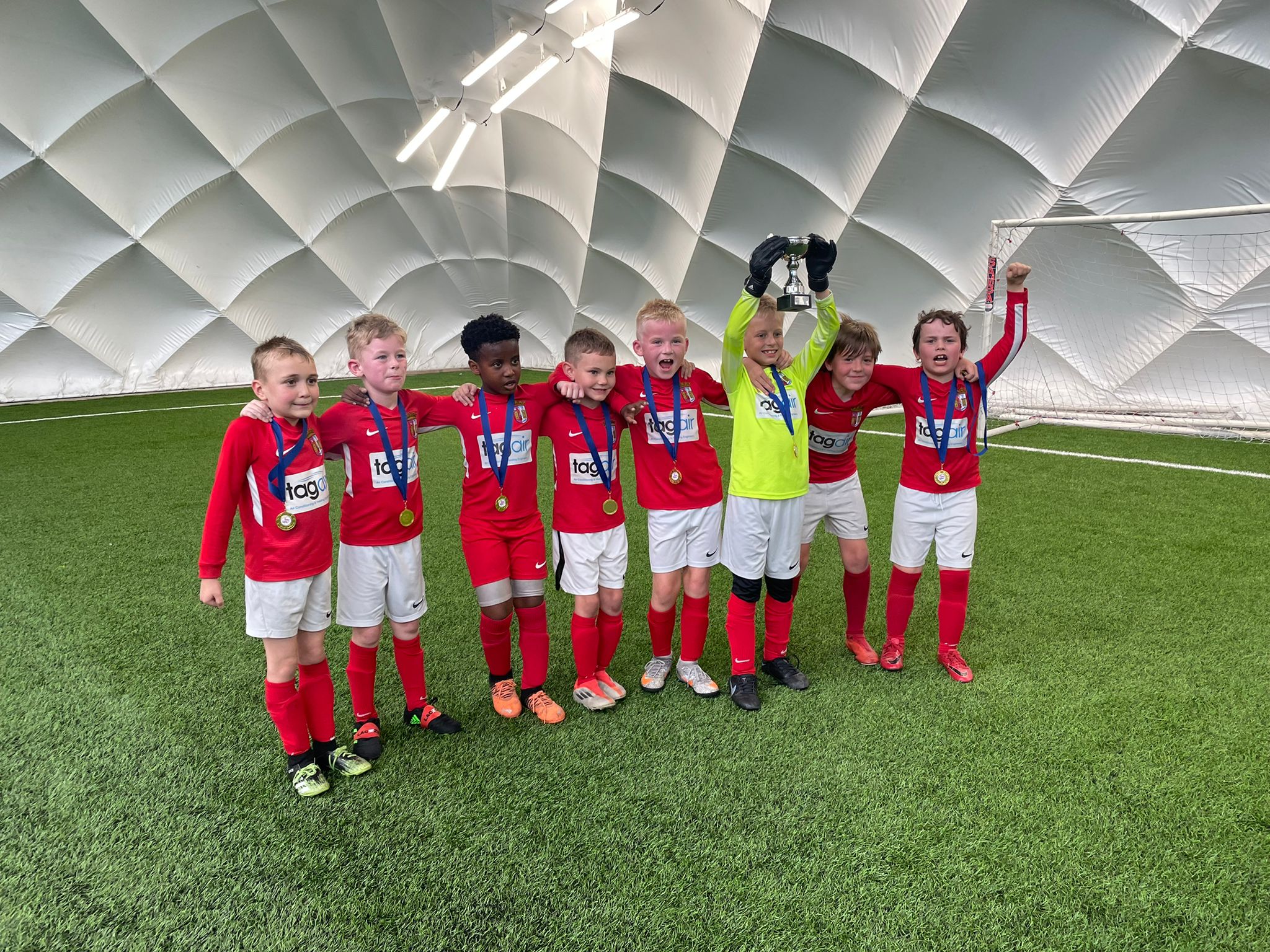
TW Braga 2014
This is our 2014 squad. They play 7 aside in the Lisburn League.
For more information please contact 07740120788.
-
2015's
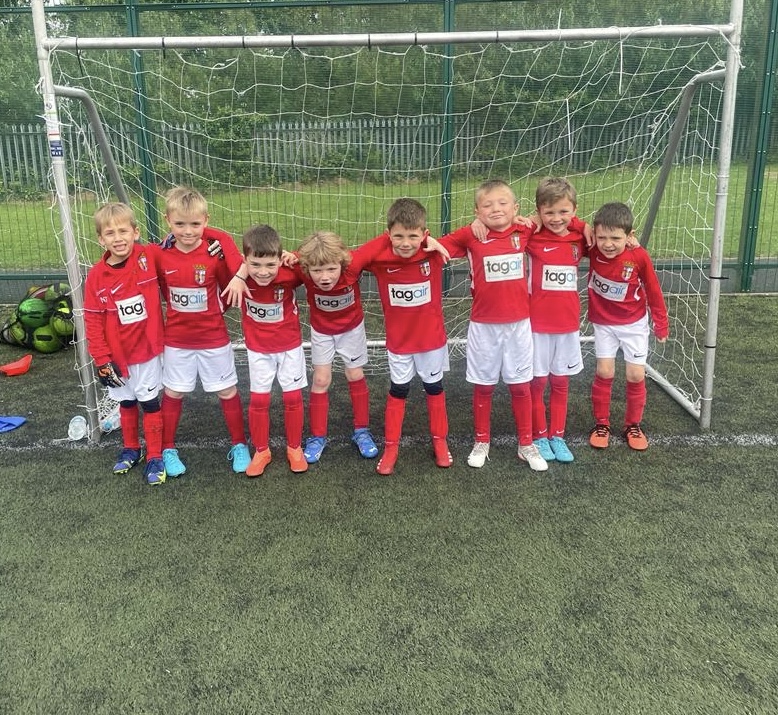
TW Braga 2015
This is our 2015 squad. They play 7 aside in the IFA Small Sided Games program.
For more information please contact 07740120788.
-
2016's
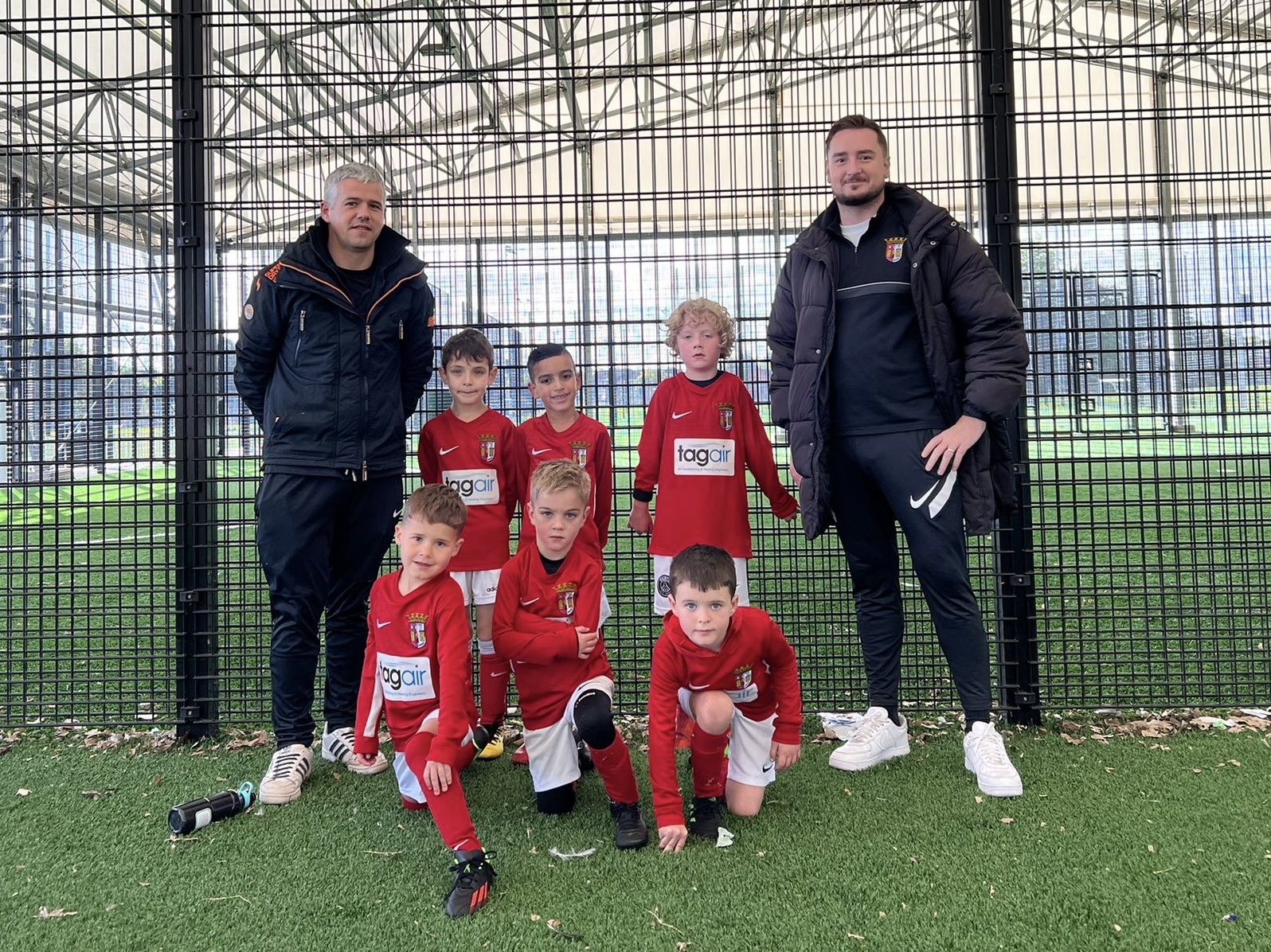
TW Braga 2016
This is our 2016 squad. They play 5 aside in the IFA Small Sided Games program.
For more information please contact 07740120788.
-
2017's

TW Braga 2017
This is our 2017 squad. They play 4 aside in the Lisburn League Small Sided Games program.
For more information please contact 07740120788.
-
2011/12 Girls
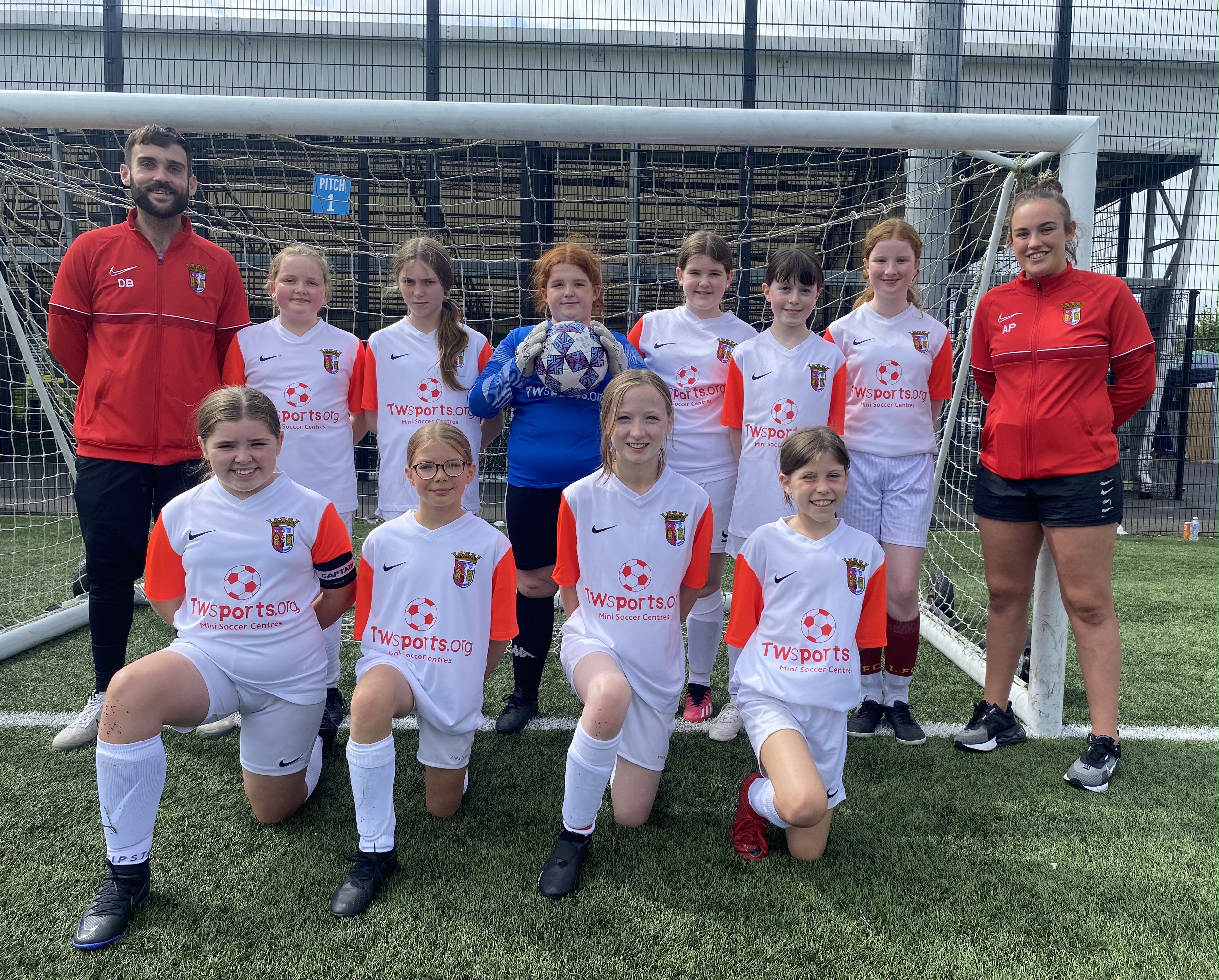
TW Braga 2011/12 Girls
This is our 2011/12 Girls squad. They play 9 aside in the IFA Small Sided Games.
For more information please contact 07740120788.
-
Coleraine Frame Football
TW Braga Coleraine Frame Football
We provide a fortnightly class of Frame Football. You can get involved by contacting 07740120788.
-
Lads And Dads Football
TW Braga Lads & Dads
We provide a weekly class of Lads & Dads Football. You can get involved by contacting 07740120788.
-
Mothers And Others Football
TW Braga Mothers & Others
We provide a weekly class of Mothers & Others Football. You can get involved by contacting 07740120788.
-
Back in the Game
TW Braga Back in the Game
We provide a weekly class of Back in the Game. You can get involved by contacting 07740120788.
-
18/May 2022
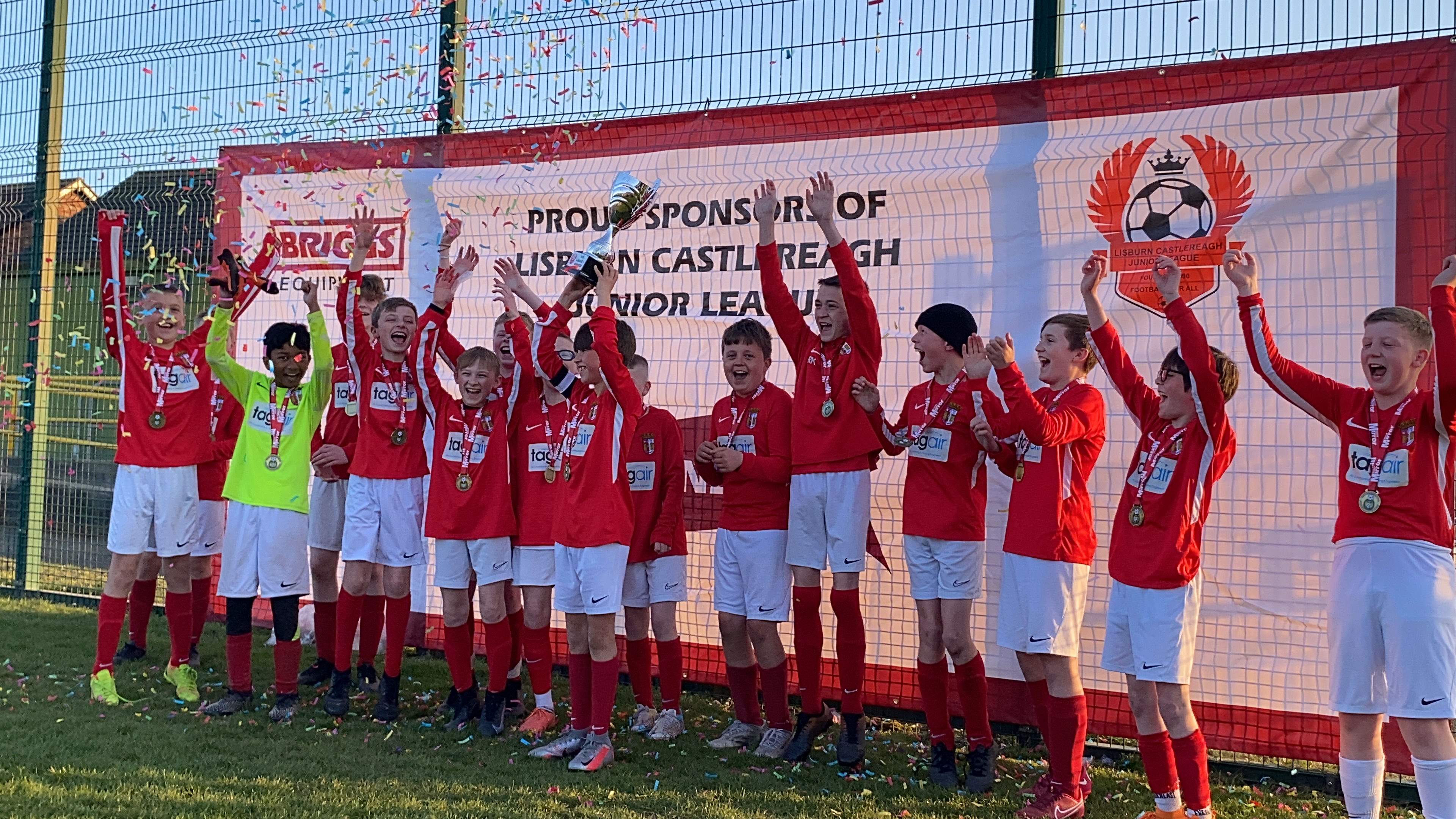
TW Braga 2009/10's win the Lisburn League
It's been a fantastic season for our U13's being crowned League Champions! 50% of the team played a year up making the achievement even more pleasing. We are so proud of the boys.Massive congrat [...]
-
24/Apr 2022
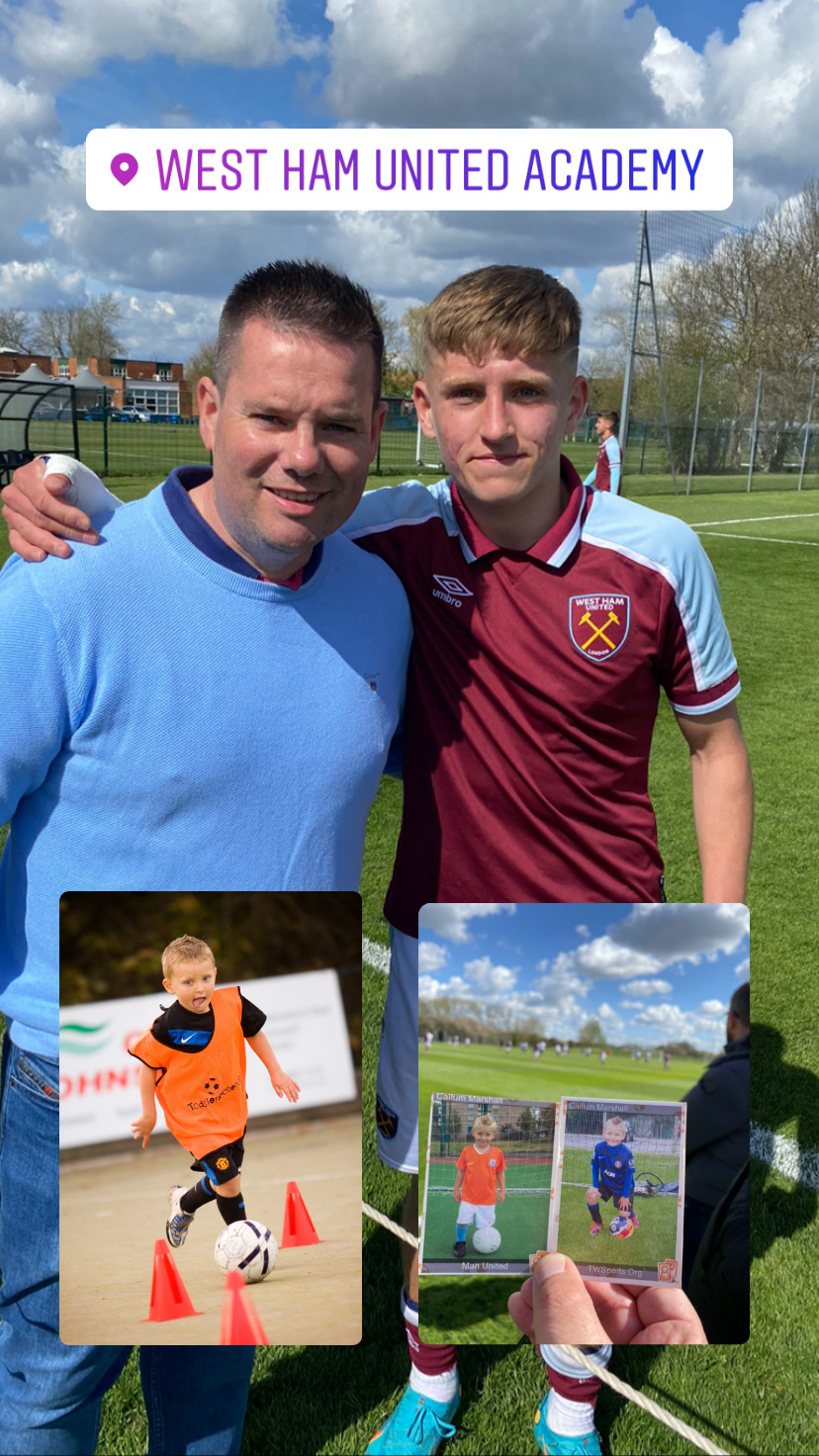
From Toddler Soccer to West Ham United!
What a wonderful morning to watch a former Toddler Soccer and TW Sports student, Callum Marshall, play for West Ham United. Callum started our program at the tender age of 2. He was always [...]
-
09/Feb 2022
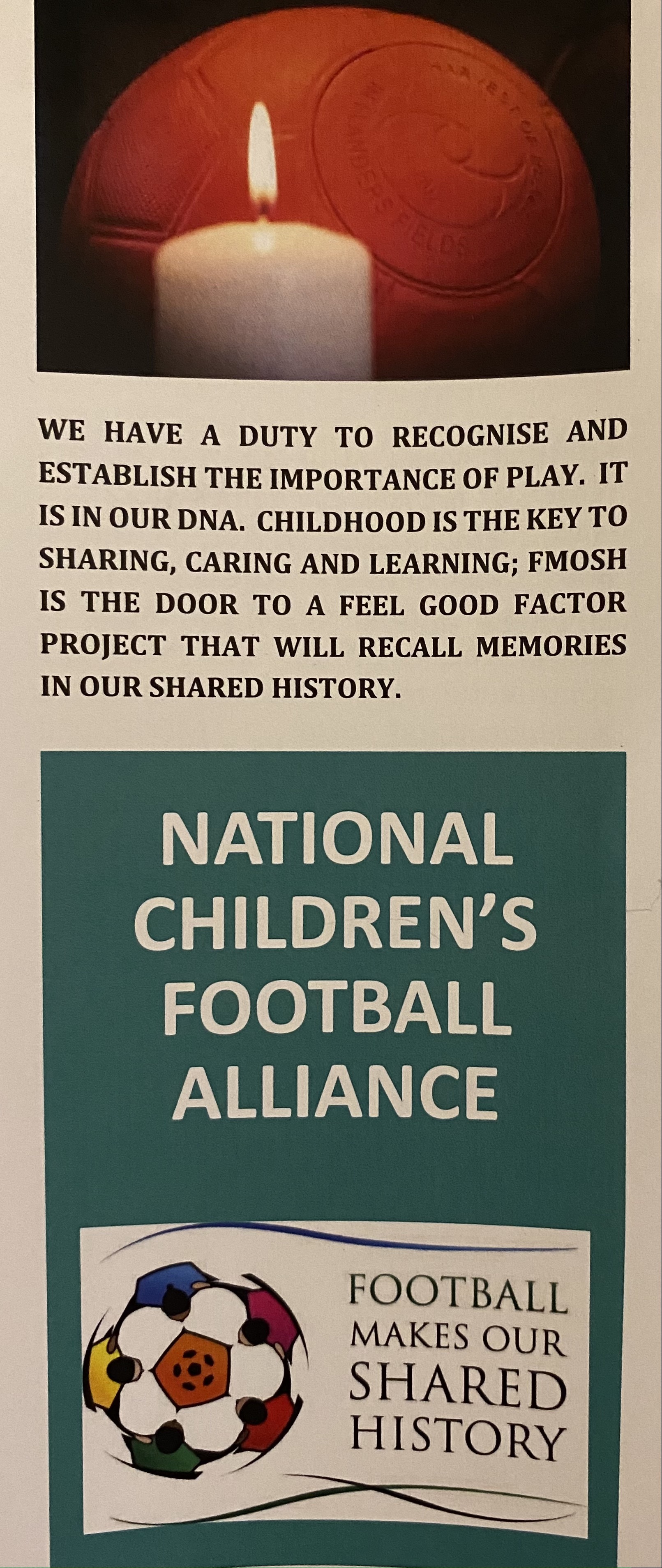
Football Makes Our Shared History
We have a duty to recognise and establish the importance of play. It is in our DNA. Childhood is the key to sharing, caring and learning; 'Football Makes Our Shared History' is the door to [...]
-
23/Mar 2021
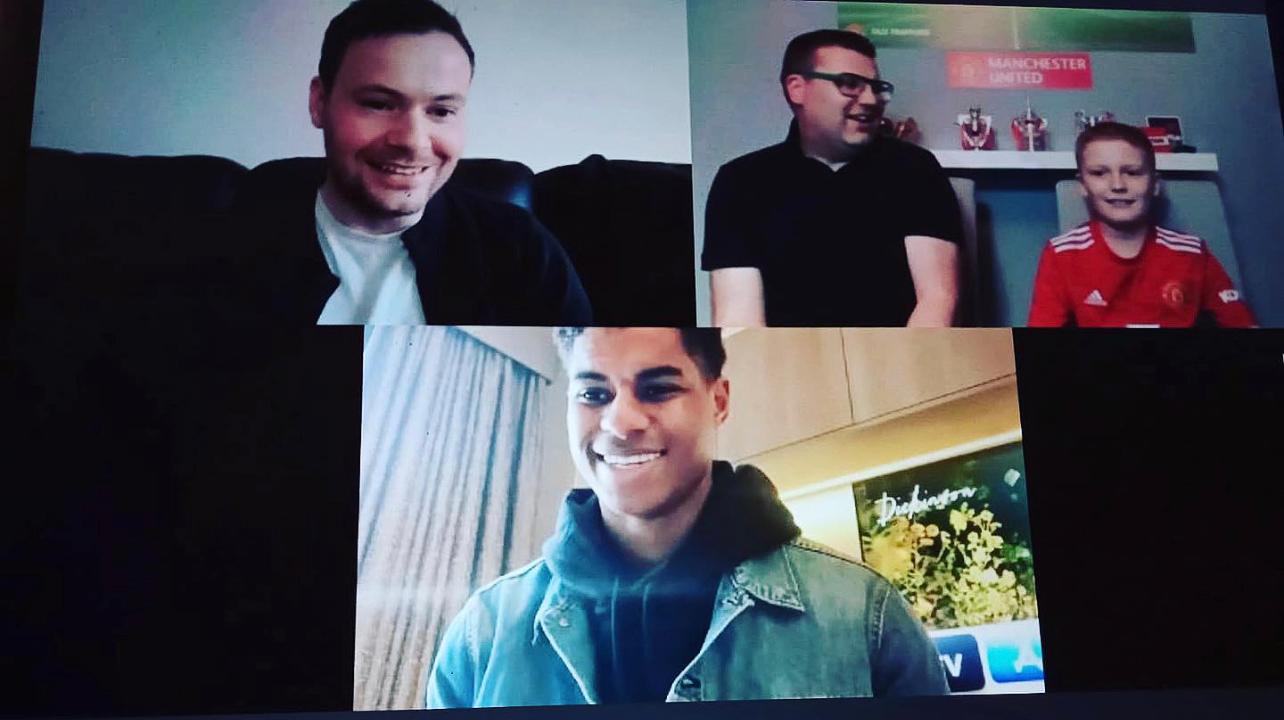
TW Braga 2011 Captain Raising Money for NI Hospice Congratulated by Marcus Rashford
What a superb and well deserved surprise for Benji that plays in the TW Braga 2011 team.Inspired by Marcus Rashford charity work to feed children, Benji wanted to raise money for sick children and the [...]
-
23/Mar 2021
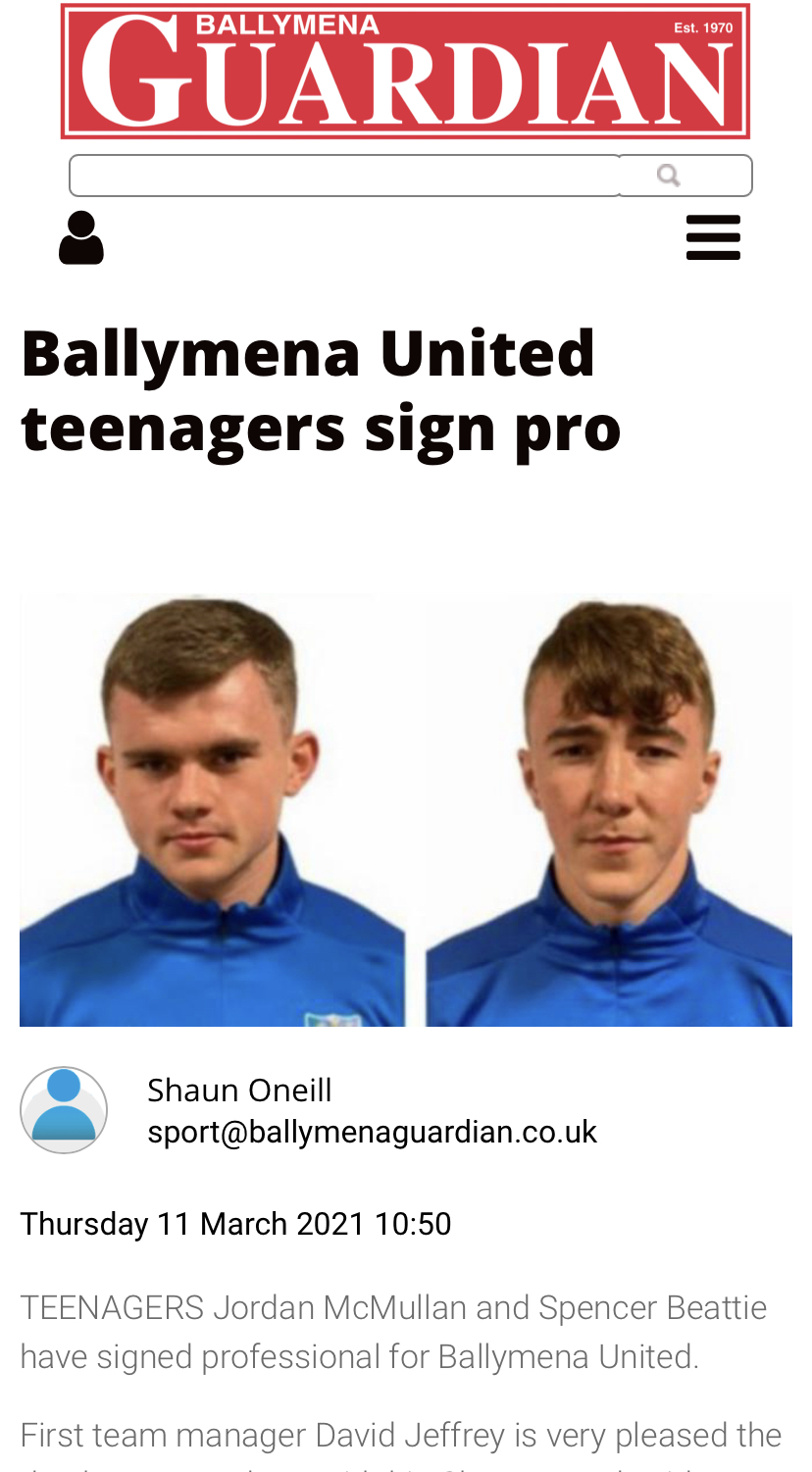
Spencer Beattie Signs Pro
We are very proud of former TW Braga 2002 player and captain, Spencer Beattie, on signing pro at Ballymena United.When TW Sports Director, Tim Wareing, started 1-on-1 Coaching with Spencer it was grea [...]
-
23/Mar 2021
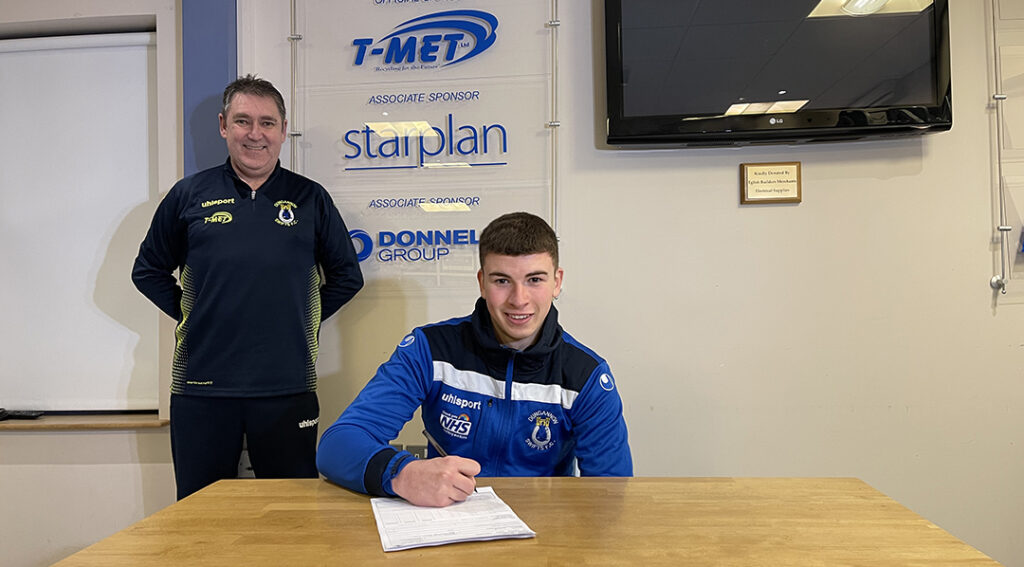
Ethan Magee Signs Pro
We are very proud of former TW Braga player, Ethan Magee, signing his first pro contract at Dungannon Swifts.Ethan was part of our 2002 squad that won the Lisburn League during 2014/15 season. T [...]
-
23/Mar 2021
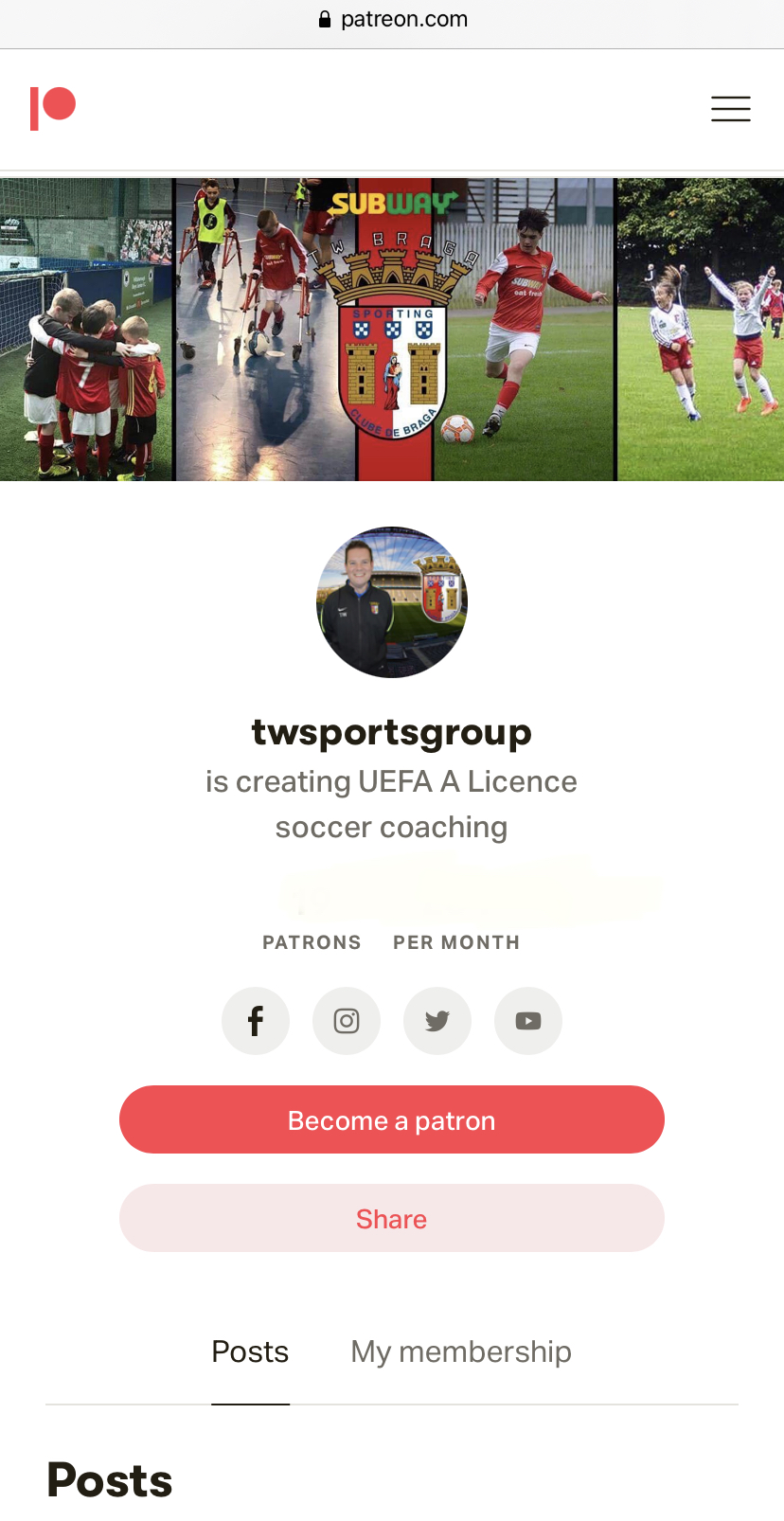
TW Sports Launch Patreon Channel
With TW Sports community program approaching 1 year closed due to the Covid-19 epidemic many customers locally wanted to continue to support the organisation. Likewise TW Sports has always had a [...]
-
23/Mar 2021
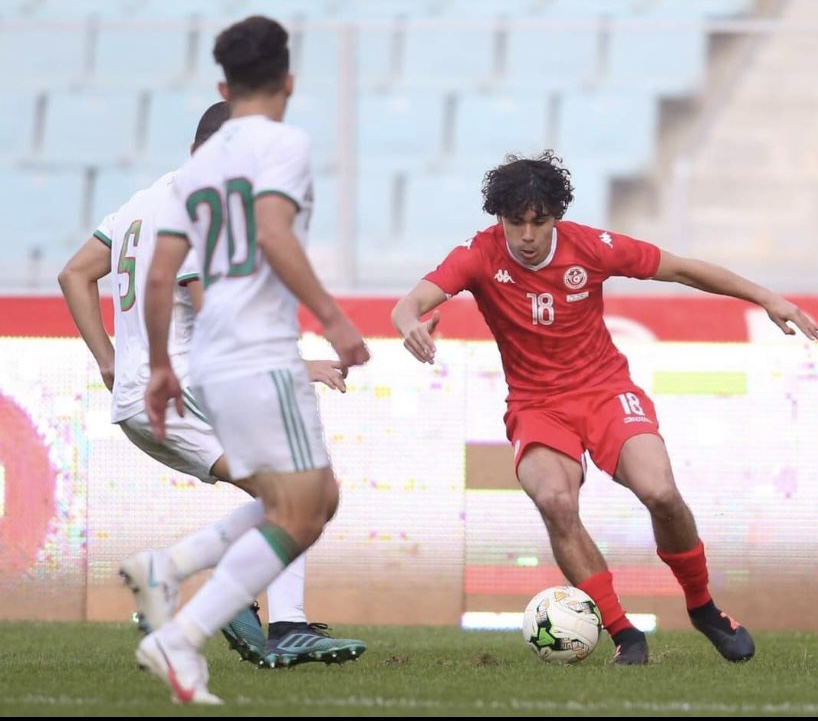
Former TW Braga Player makes his International Debut
Former TW Braga 2002 player, Hassan Ayari, made his international debut for Tunisia U20's.Hassan came off the bench and featured in Tunisia's 1-1 draw with Algeria. It was an African Nations qua [...]
-
15/Nov 2020
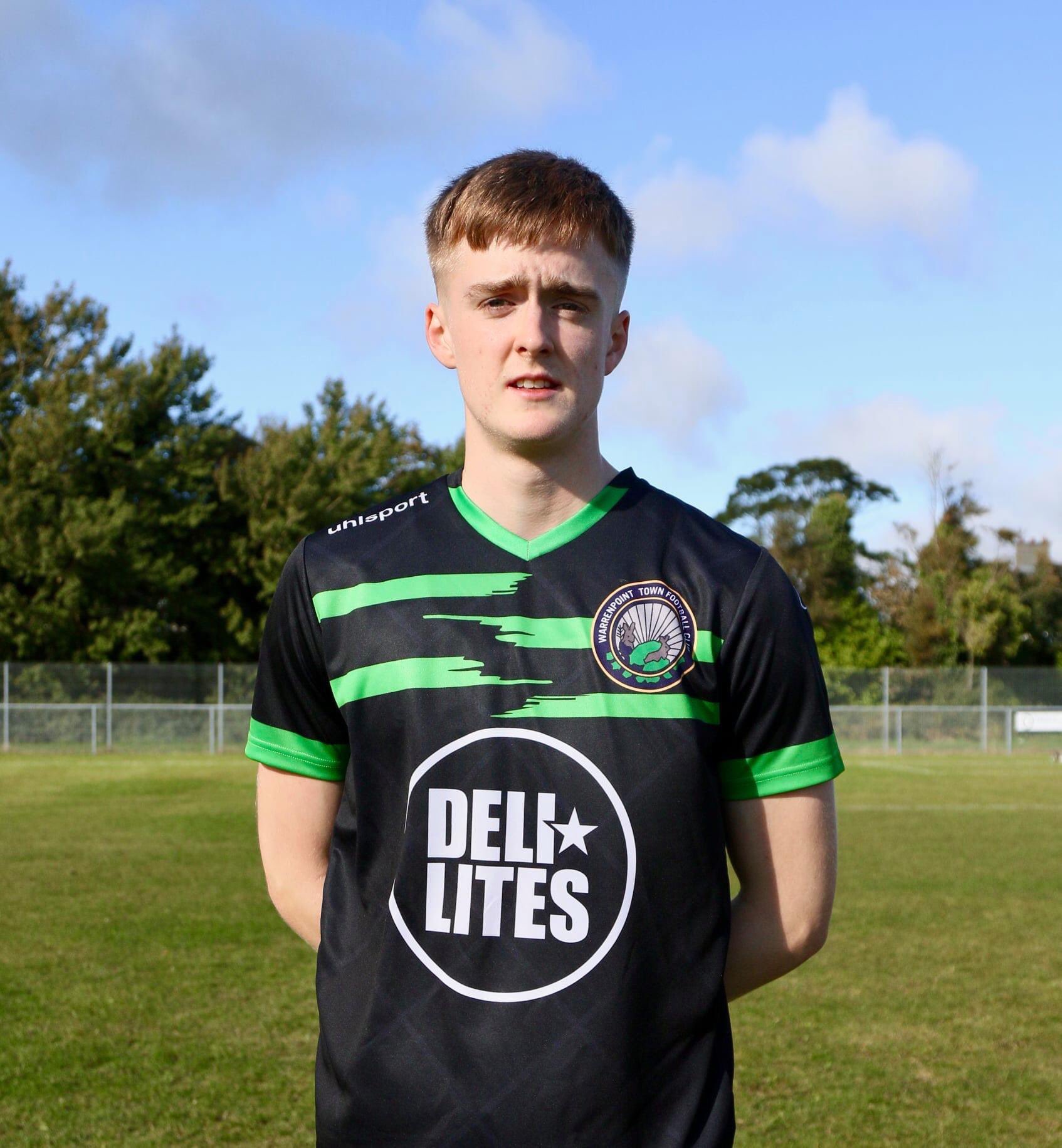
Former TW Braga Player Called Into First Team
We are so proud to hear that former TW Braga 2002 player, David Forsythe, was selected for Warrenpoint Town first team squad for their game against Cliftonville.David enjoyed 4 years at TW Braga. &nbs [...]
-
17/May 2020
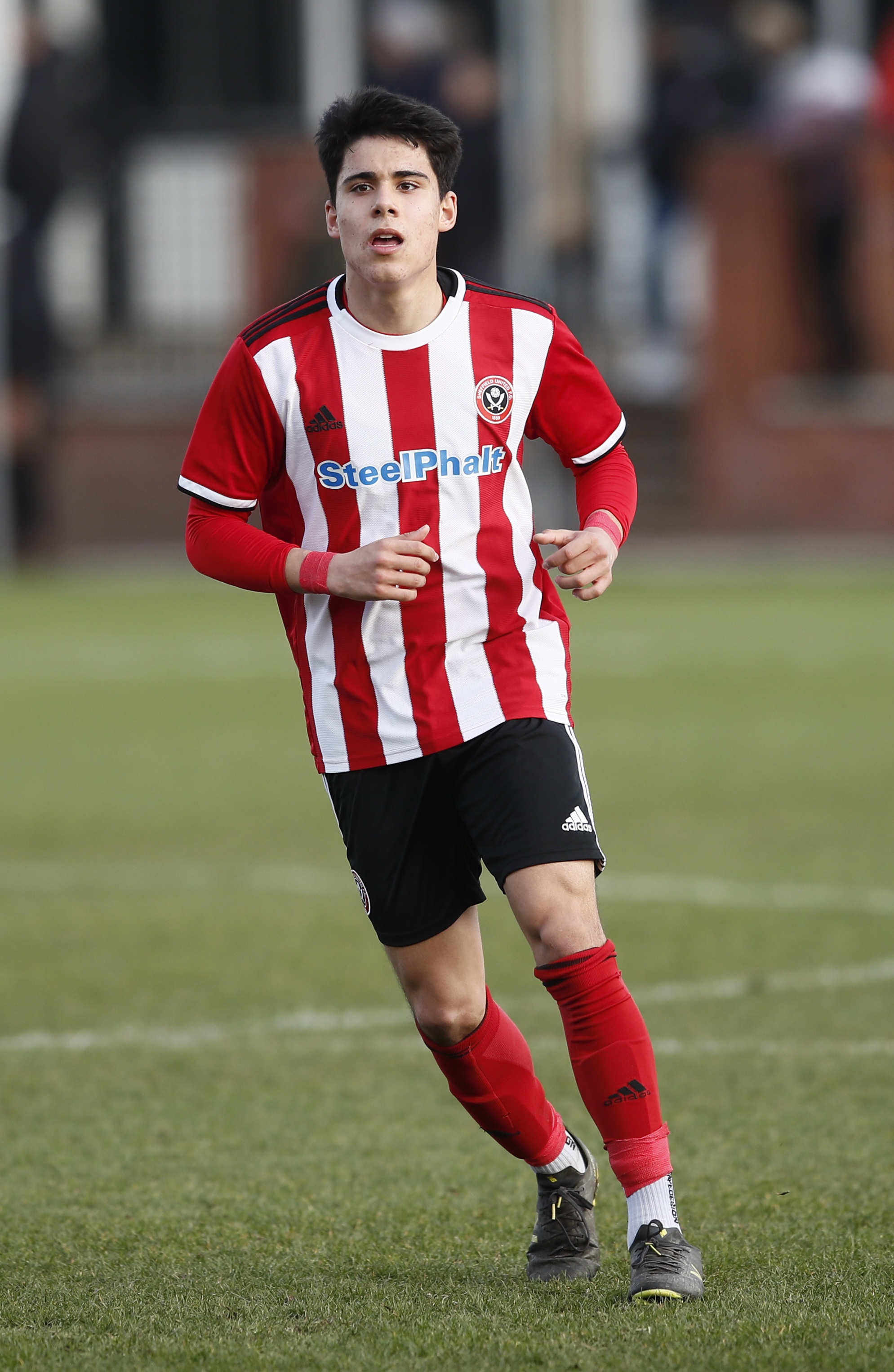
TW Braga Player Signs for Sheffield United Update
We are so proud of former TW Braga player, Hassan Ayari, performing so well at Sheffield United FC. It’s been exciting to hear that he has trained with the first team on occasion as well.He then ret [...]
-
26/Apr 2020
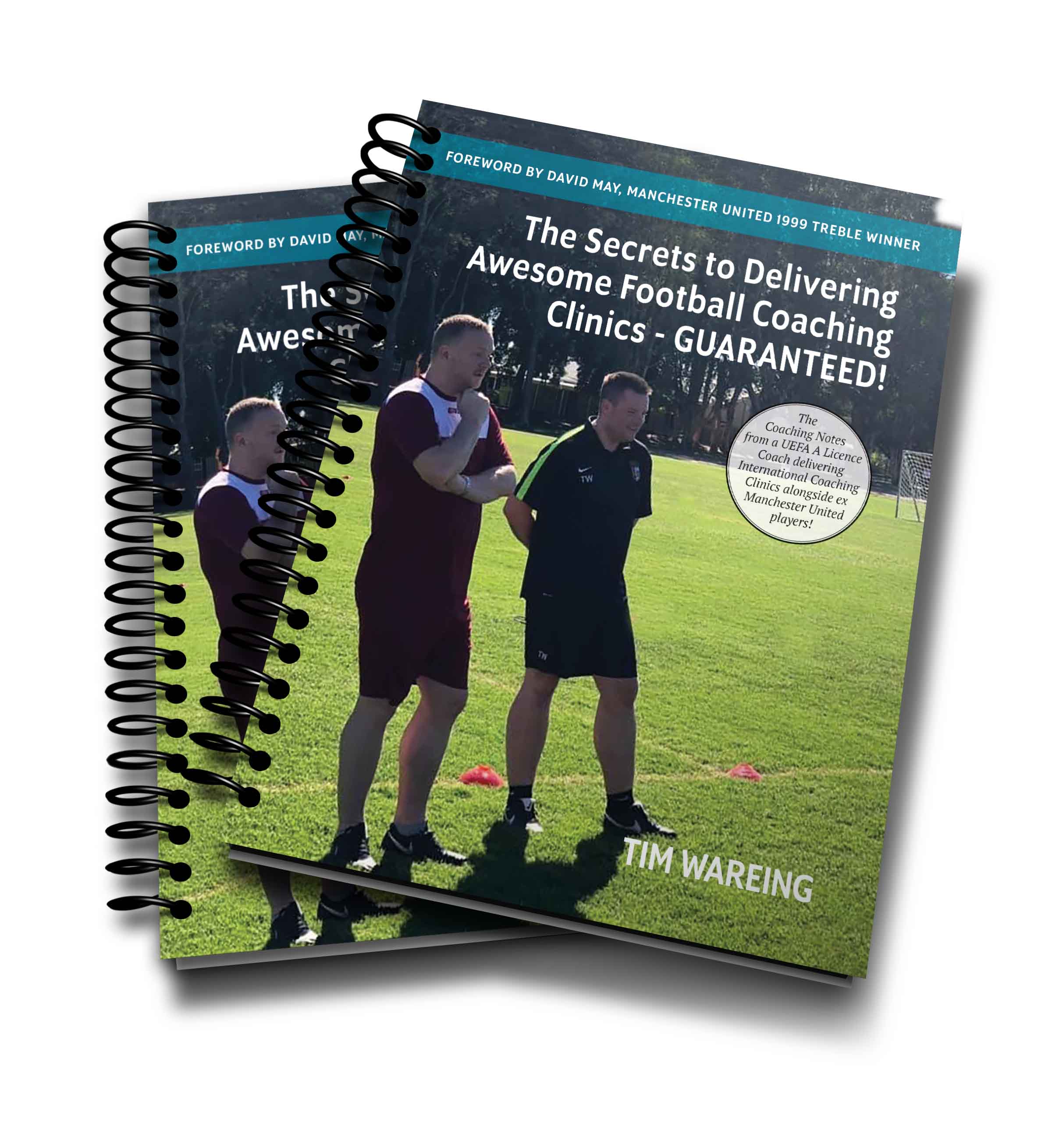
The Secrets to Delivering Awesome Football Coaching Clinics GUARANTEED Book Launched
Tim Wareing has released his fourth book through his publisher titled, 'The Secrets to Delivering Awesome Football Coaching Clinics - GUARANTEED!' Copies are available in spiral bound [...]
-
19/Nov 2019
The Perfect Christmas Present!
Tim's 1-on-1 sessions are tailor-made to develop your child. They ⚠️ 18-24 November - 5 entries into draw.25-30 November - 3 entries into draw.1-8 December - 2 entries into draw.9- [...]
-
28/Oct 2019
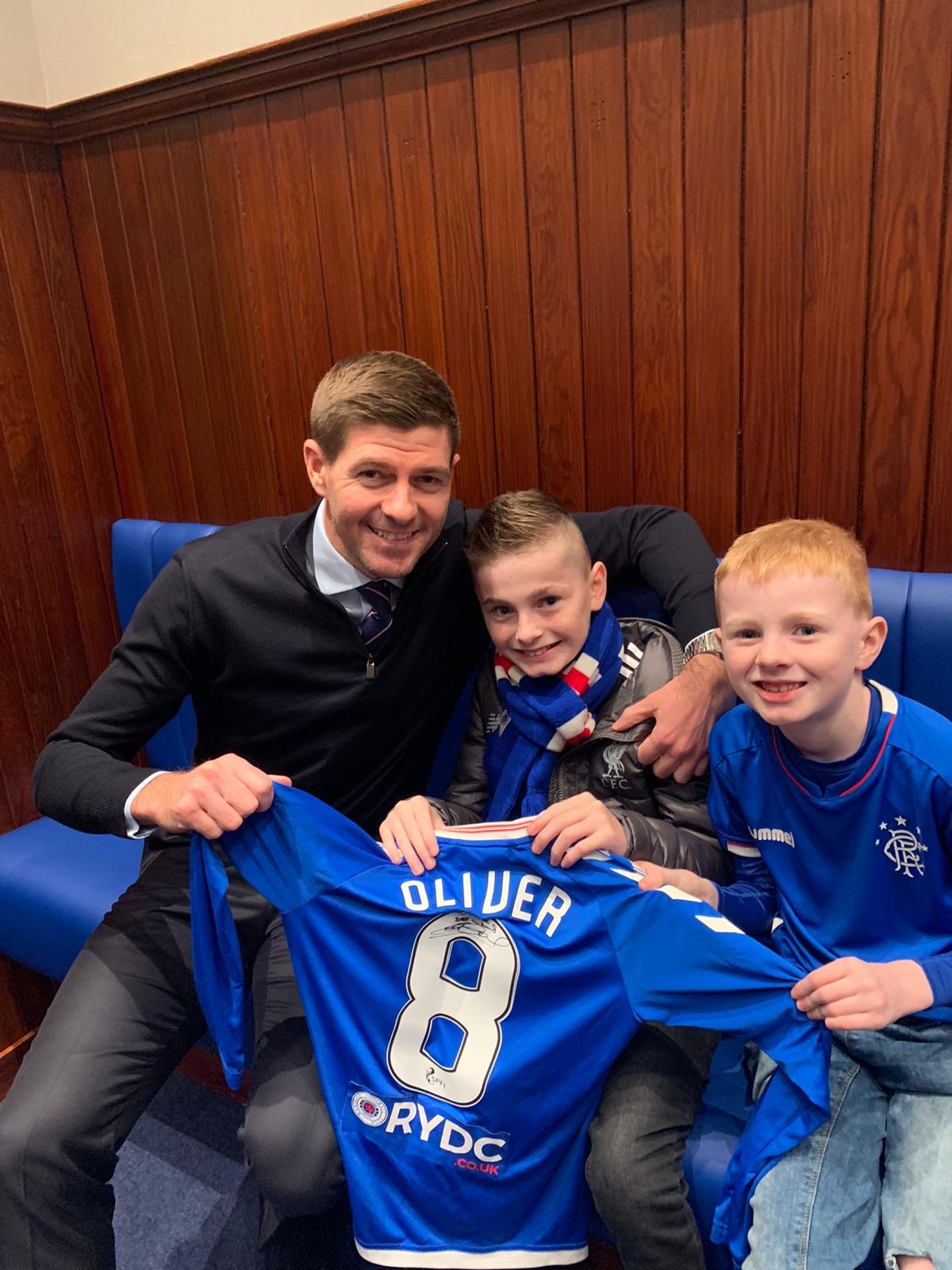
Steven Gerrard Meets TW Braga Frame Footballer Oliver
Oliver from our TW Braga Frame Football team was heading to the Rangers game. His mummy asked me last week at Frame Football would I have any connections to make his dream come true to [...]
-
02/Oct 2019
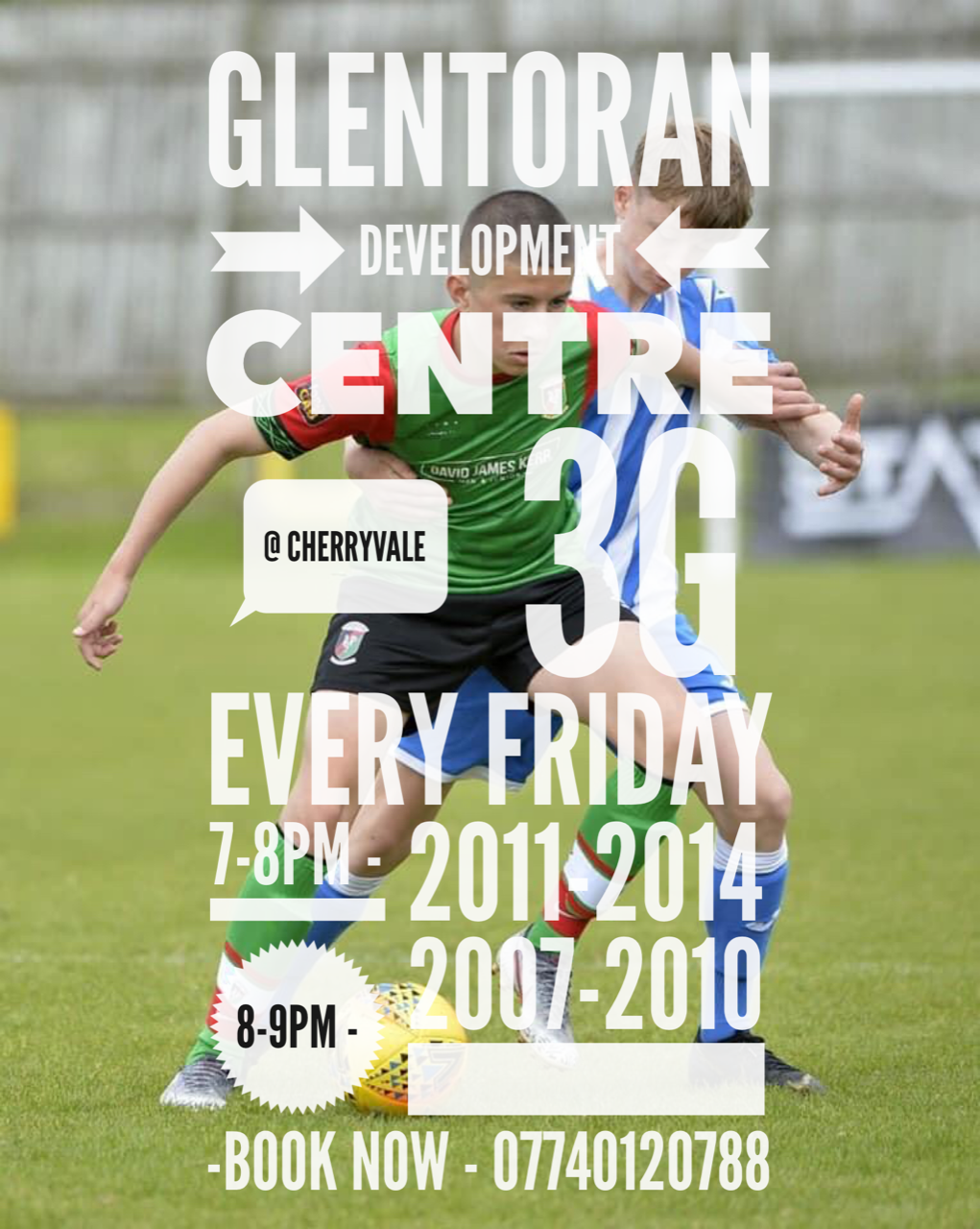
Glentoran Development Centre
New Development Centre starting soon! At Glentoran we have young players across our age groups who are selected to attend extra training centres such as Liverpool, Rangers and Club NI. In order t [...]
-
01/Oct 2019
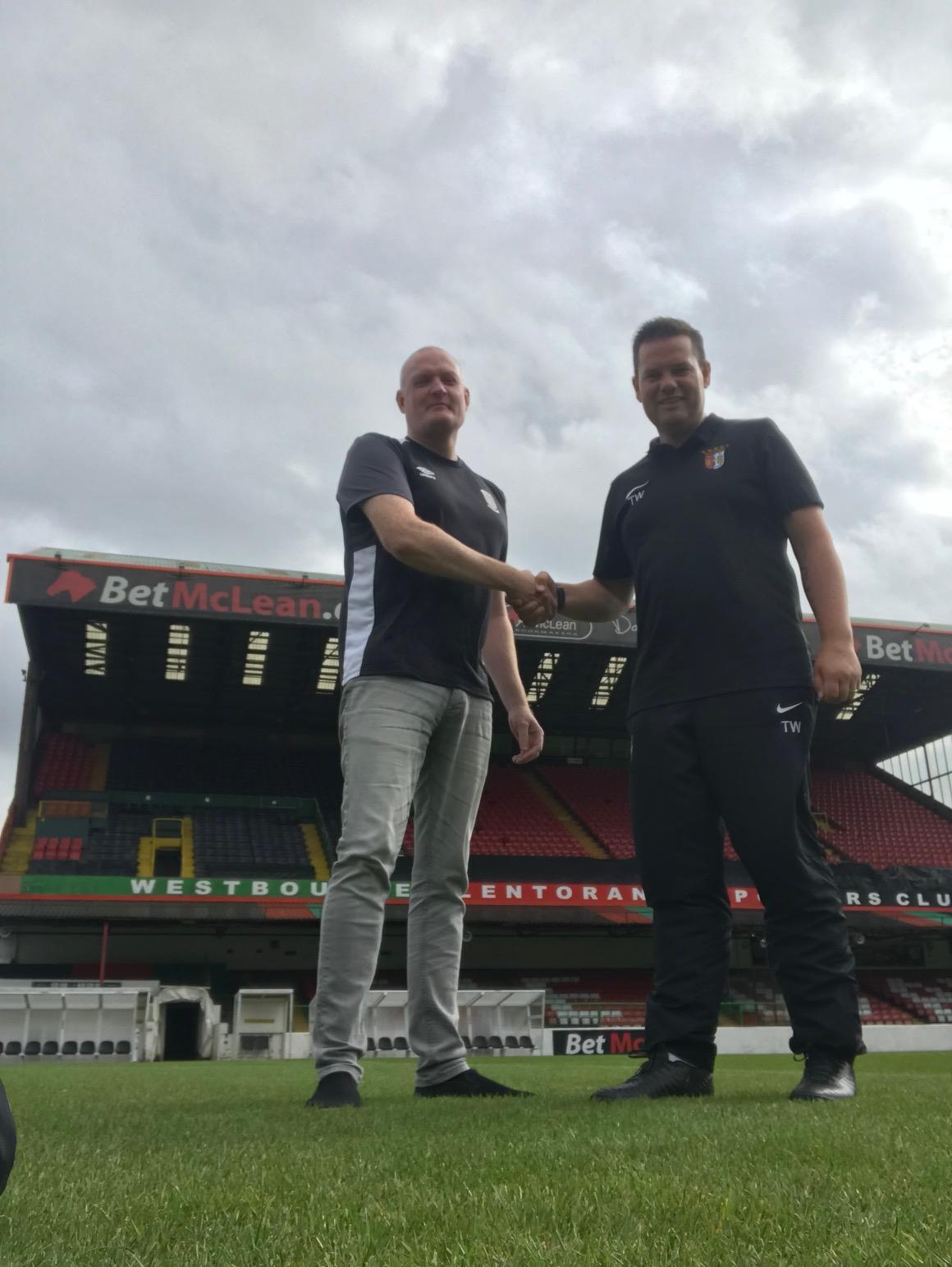
TW Braga agree partnership with Glentoran
Glentoran Academy is delighted to announce a development partnership with TW Braga which will see the 2 clubs working closely together on schools programmes and holiday camps as well as player de [...]
-
13/May 2019
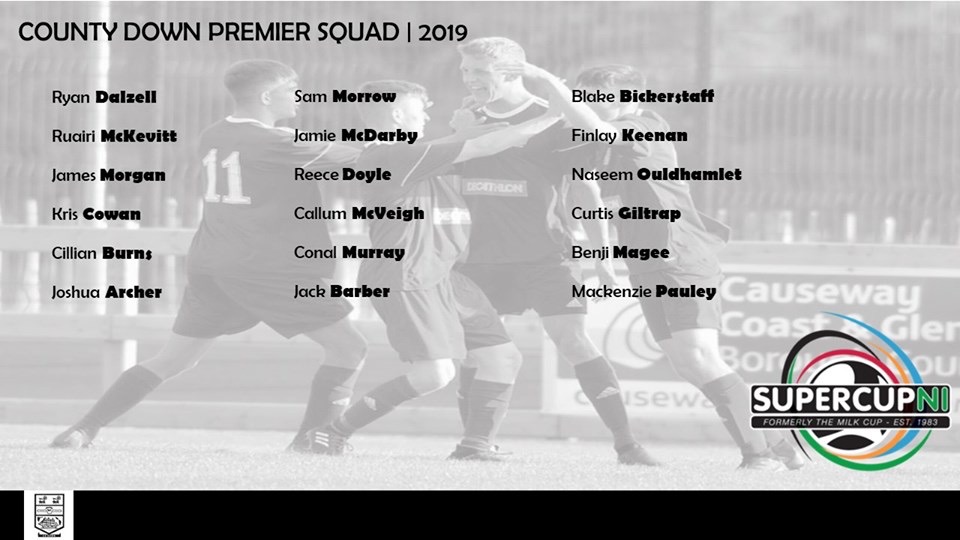
7 TW Braga Graduates Selected for County Antrim, Down and Tyrone
[...]
-
30/Apr 2019
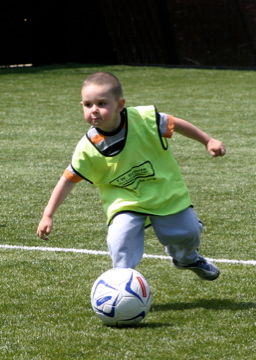
4v4 Pilot Scheme for 2012-2015's
4v4 is not a new concept; the Dutch have been playing it since the mid 1980s. The godfather of football in Holland, the great, late Rinus Michels said: “Good coaches use the basic criteria of street [...]
-
29/Apr 2019
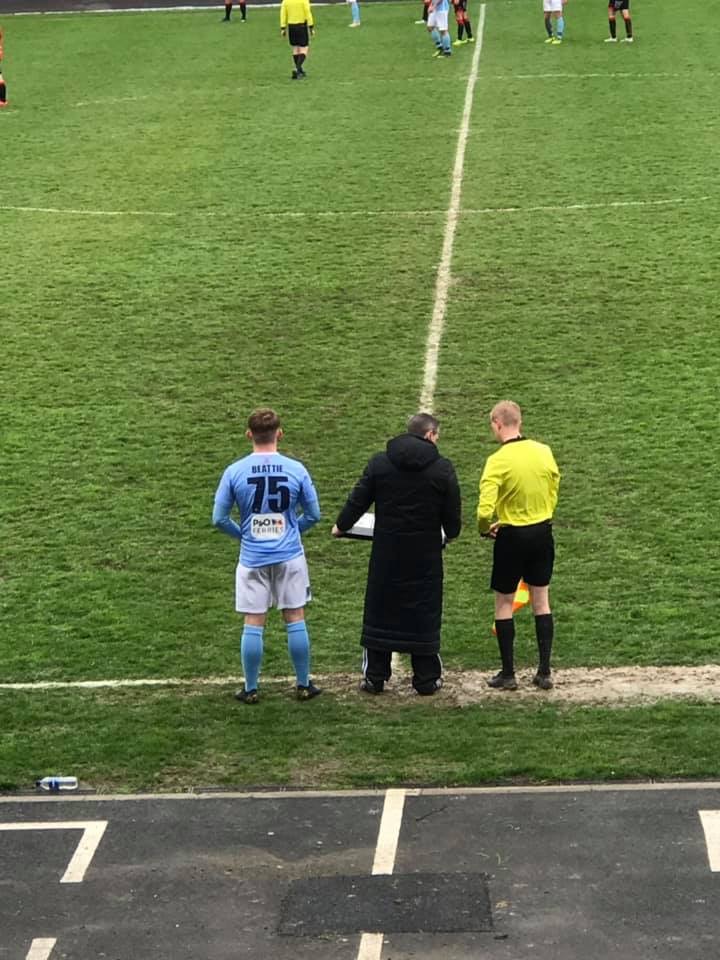
Ex TW Braga Club Captain makes Senior Debut for Ballymena United
TW Braga are very proud of Spencer Beattie making his debut for Ballymena United in the Irish Premiership against Crusaders.Spencer and his family are very special people. He was one of the top [...]
-
23/Apr 2019
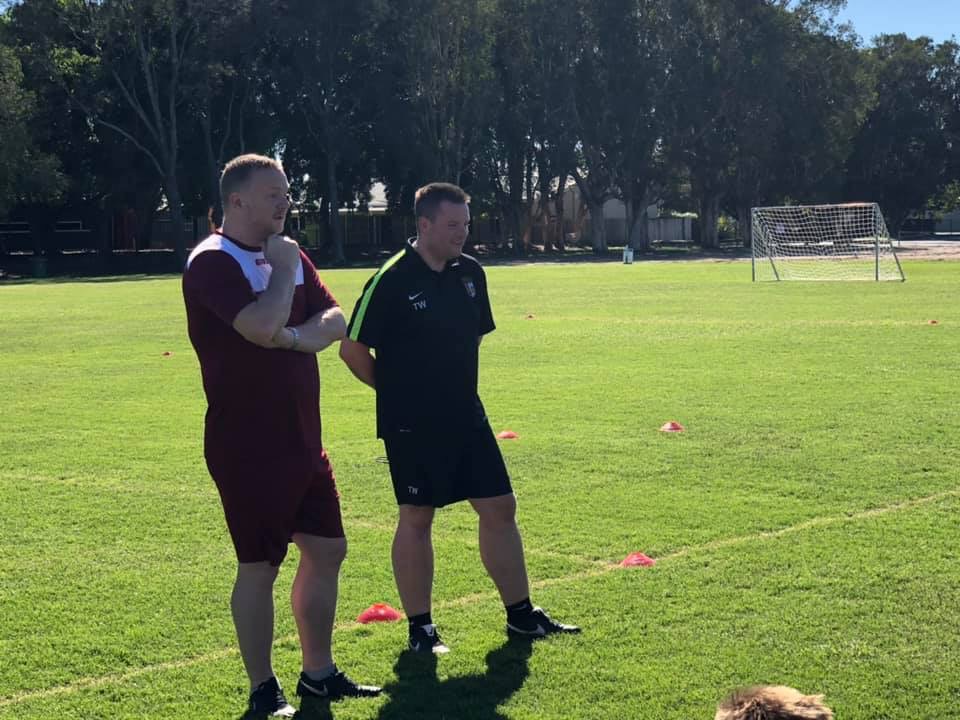
Tim Wareing Coaches with David May
[...]
-
23/Apr 2019
TW Delivers Elite Clinic in Australia
[...]
-
04/Dec 2018
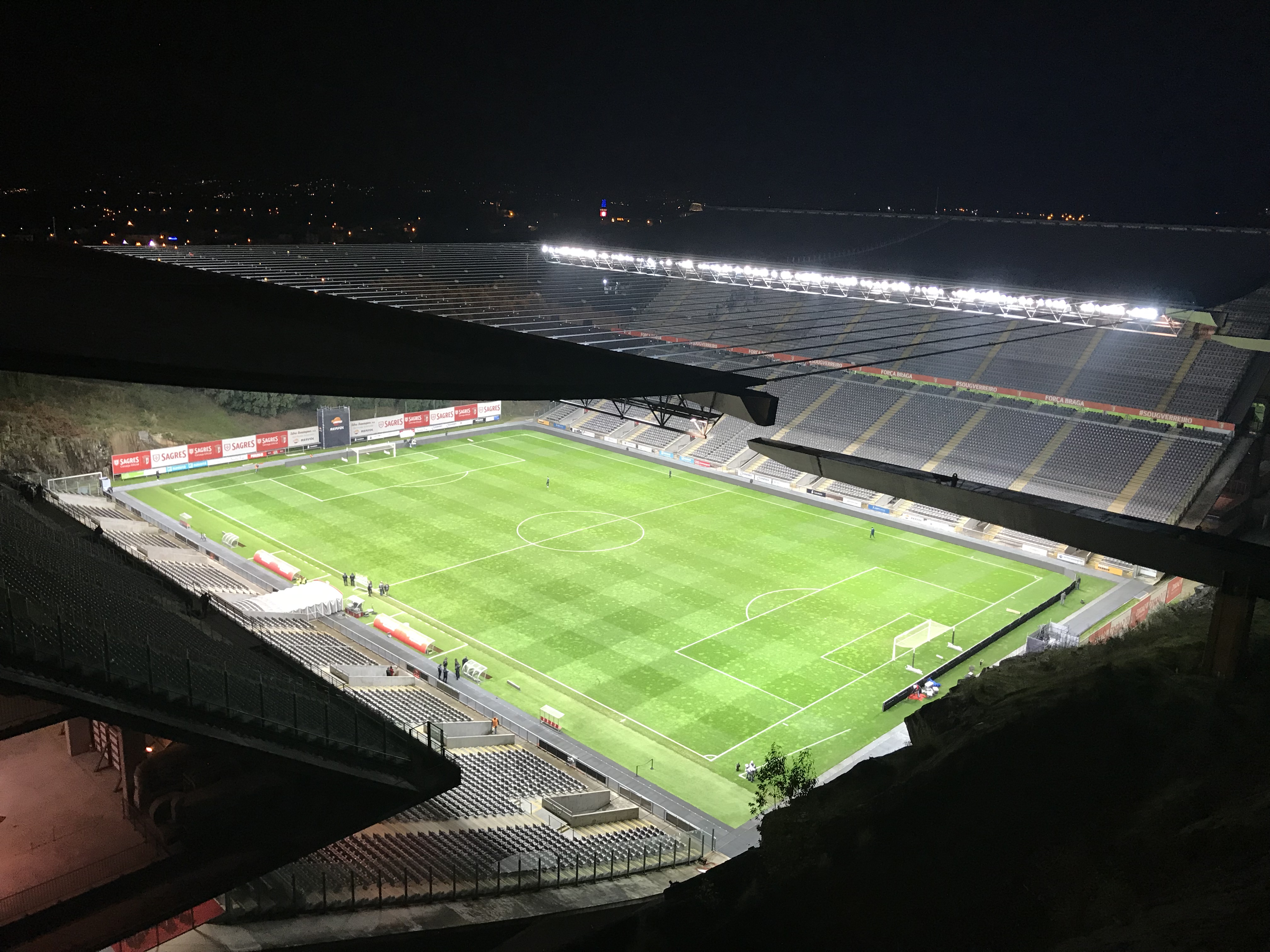
SC Braga Club Visit
Academy Director of TW Braga, Tim Wareing, flew out to Portugal to spend a weekend at SC Braga.It offered Tim an opportunity to meet with club officials and discuss how TW Braga has grown in Nort [...]
-
25/Sep 2018
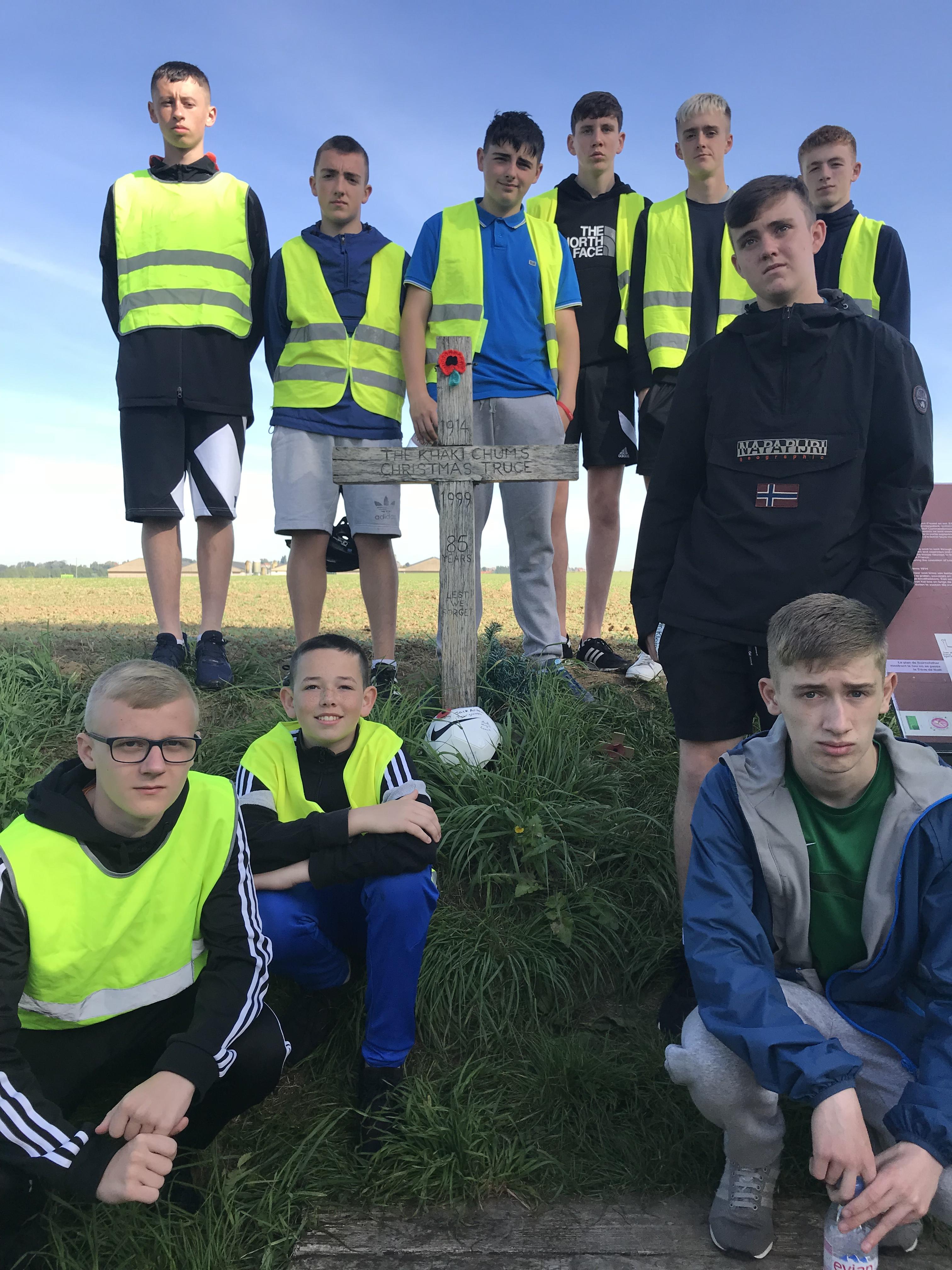
TW Braga Part of The Peace Field Project Belgium
After playing a part to twin the Cregagh Green George Best Field with Flanders Peace Field, TW Braga were proud to take 5 boys over on a wonderful trip to Belgium for the official twinning of the [...]
-
25/Sep 2018
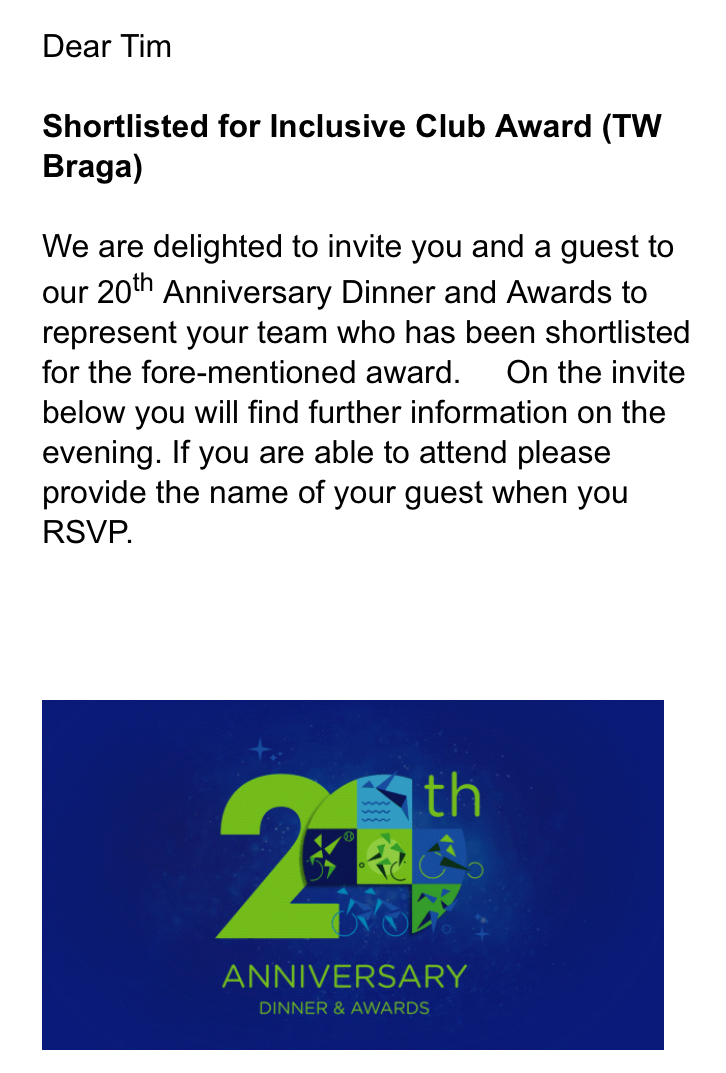
TW Braga Make Short List for Disability Sport NI 20th Anniversary Awards
TW Braga have been short listed for Inclusive Club Award for Disability Sport NI 20th Anniversary Dinner & Awards evening at the iconic Titanic Belfast.TW Braga Frame Football Club meets ever [...]
-
25/Sep 2018
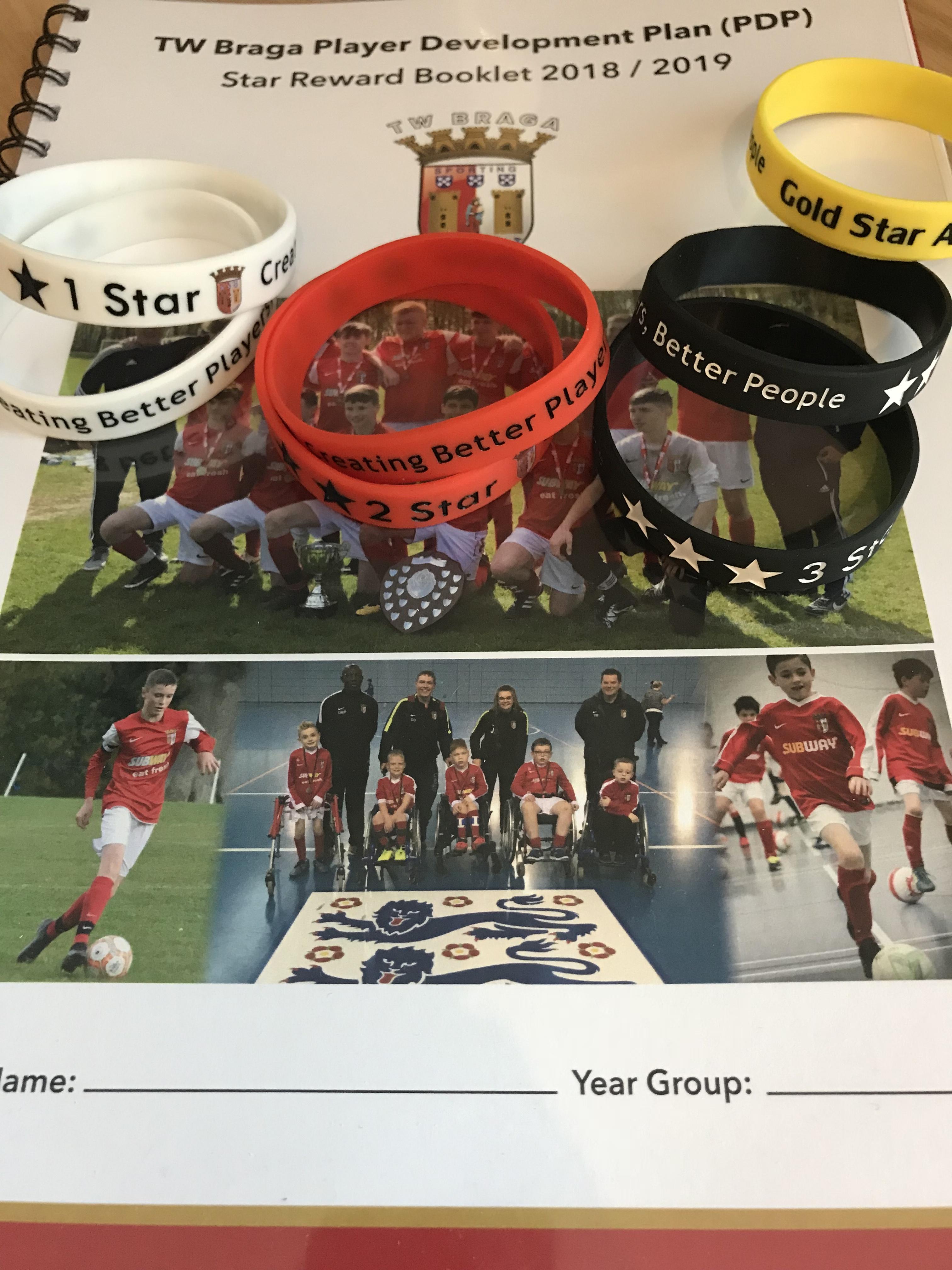
Star Reward Booklet and Player Development Plan (PDP) Launched
All TW Braga players received a copy of the TW Braga Player Development Plan (PDP) & Reward Booklet 2019/2019. Players complete their book every day. They will trek their daily routines [...]
-
22/Jul 2018
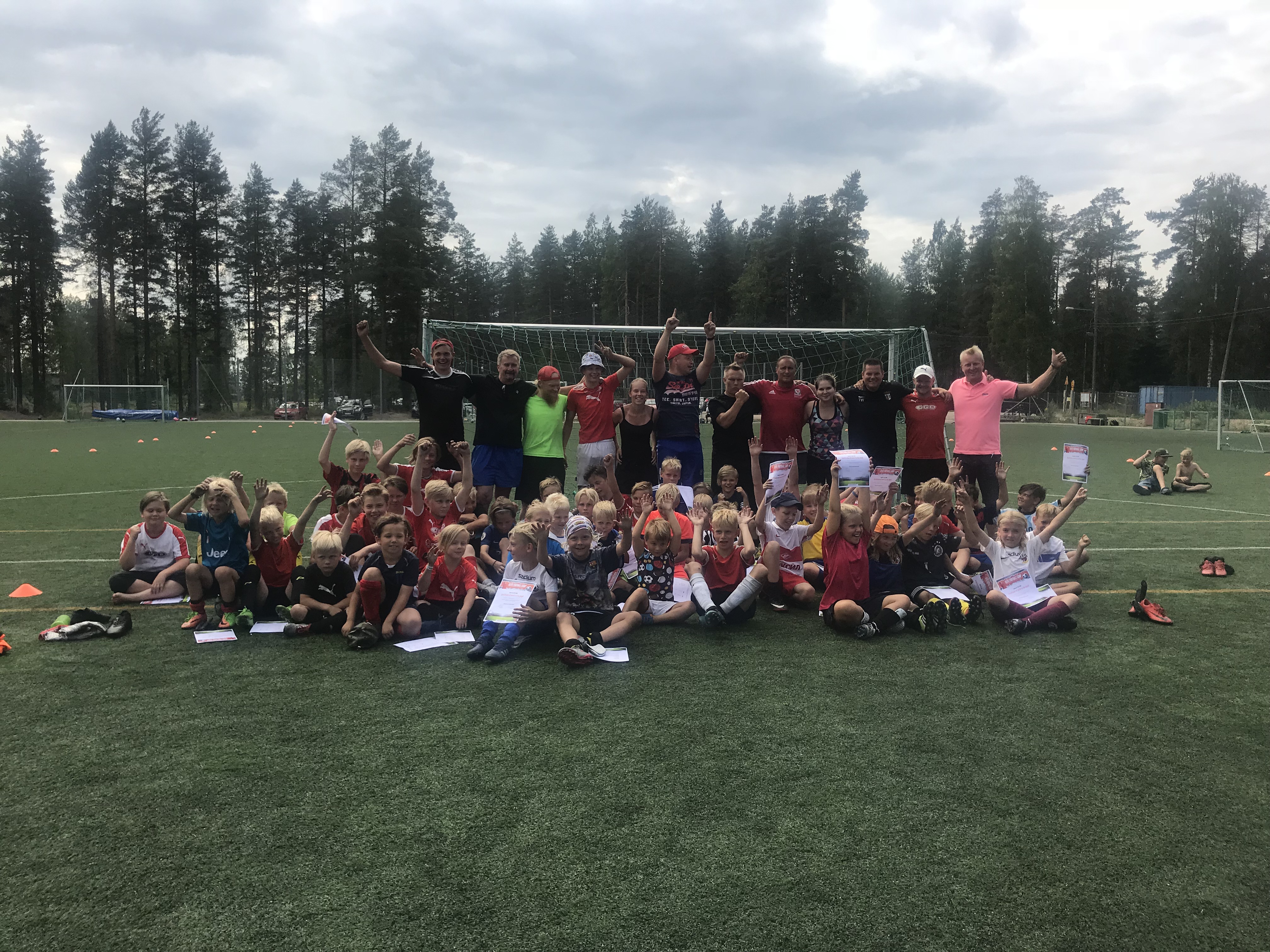
TW Delivers Elite Clinic in Finland
Tim Wareing returned to deliver an elite clinic in Imatra, Finland, for the third time. Ex Manchester United player, Clayton Blackmore, was also in attendance to work with 50 children.Tim travel [...]
-
22/Jul 2018
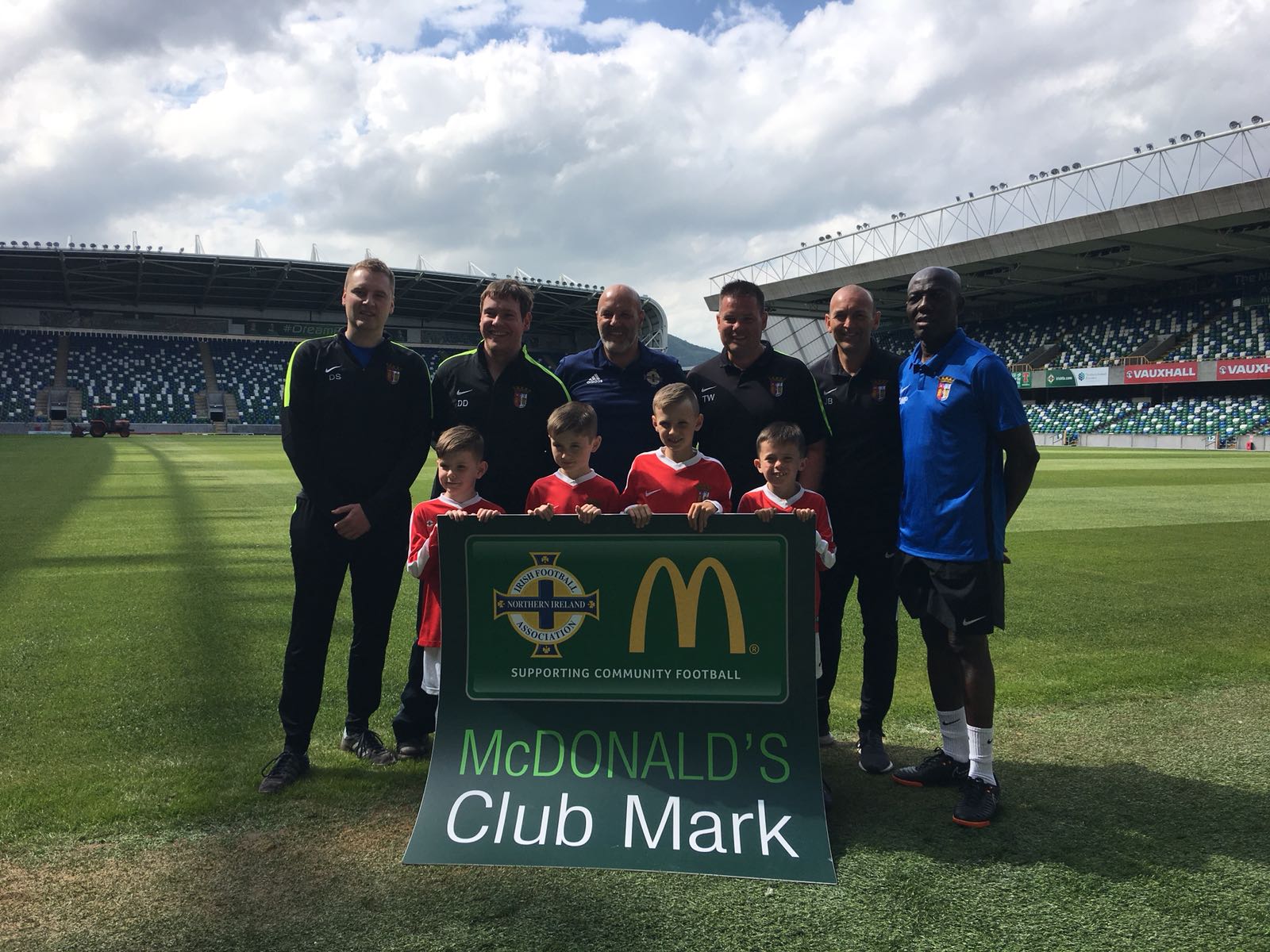
TW Braga Presented with McDonald's Advanced Club Mark
TW Braga are the latest club in Northern Ireland to achieve the McDonald\'s Advanced Club Mark.The club / academy, which is based in Castlereagh and has links to Portuguese outfit SC Braga, achieved t [...]
-
04/May 2018
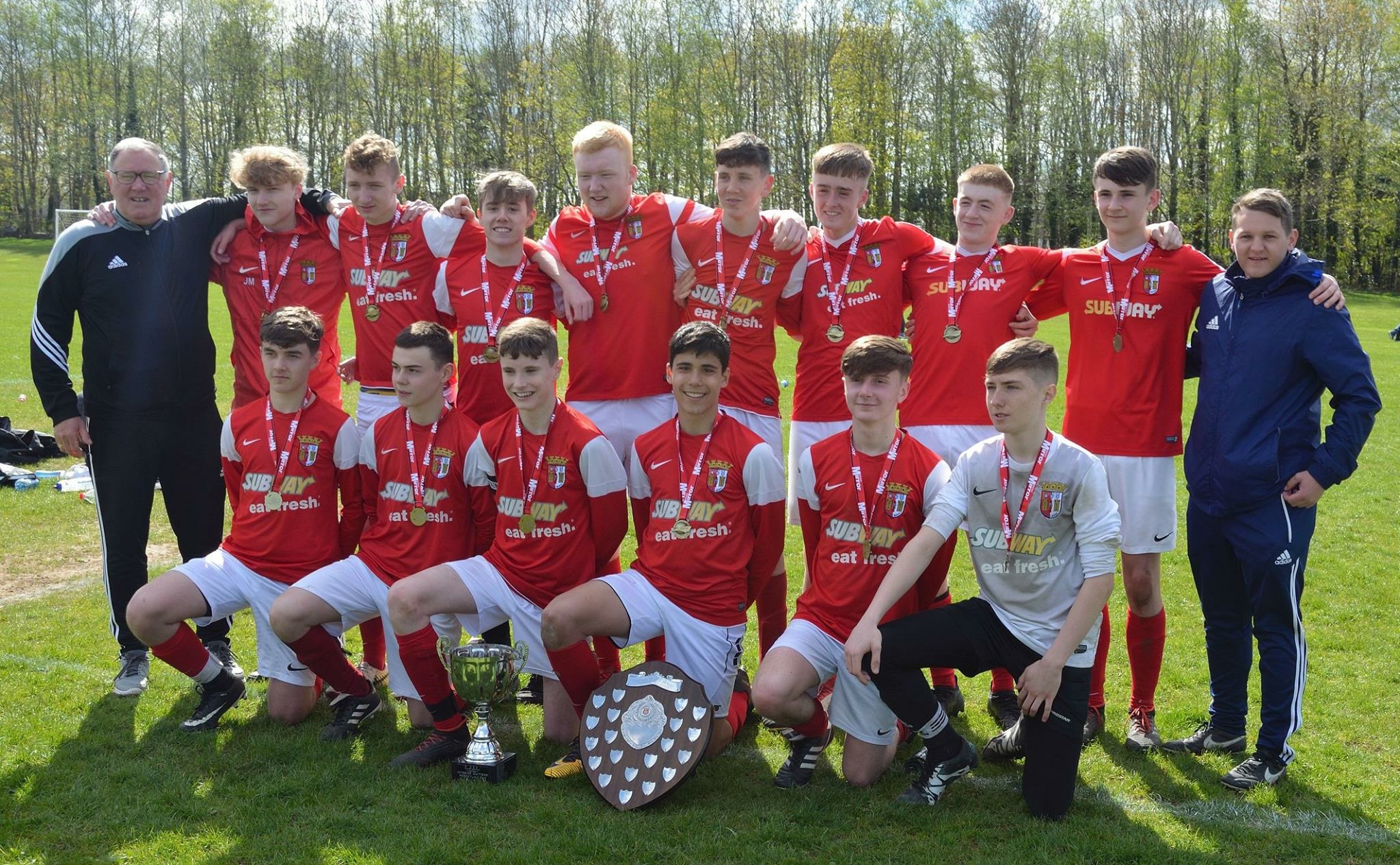
TW Braga 2002's Win Lisburn League 2017/18
Massive congratulations to TW Braga 2002 players, parents and Manager Paul Kirk on winning the Lisburn League 2017/18.It was a wonderful season that seen the boys complete the entire season with only [...]
-
01/Feb 2018

Pastoral Care
At TW Braga and TW Sports we value the whole person. Often when a physical injury happens, especially in sport, it is easy to see and most of the time there is a plan of action taken such a band [...]
-
18/Jan 2018
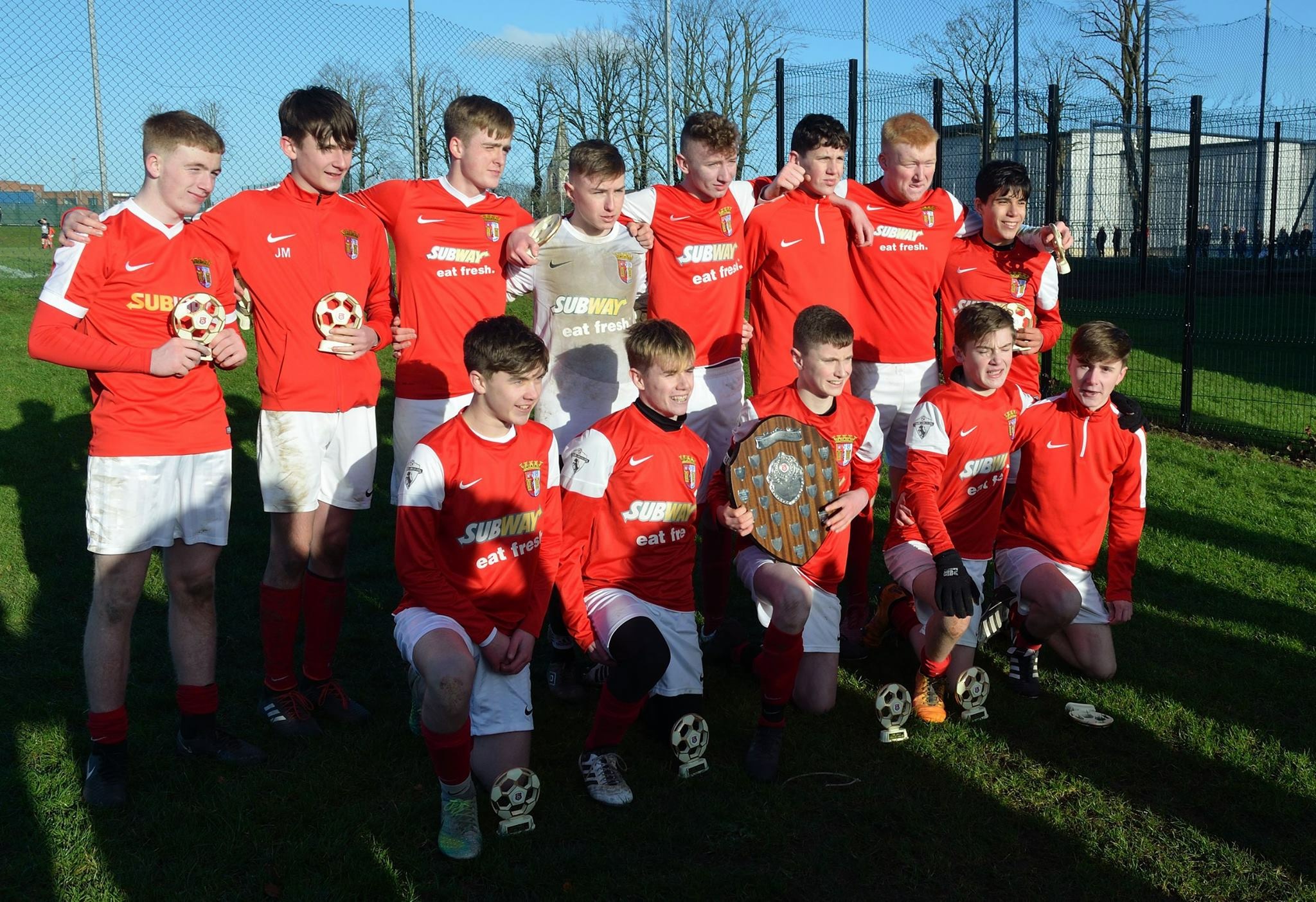
TW Braga Win Lisburn League Shield 2018
Massive congratulations to TW Braga 2002's, Manager Paul Kirk and Assistant Manager, Matty Nickels, on winning the Lisburn League Shield Final 2018 against TTBS.It was very unlucky for TTBS to lose in [...]
-
20/Dec 2017
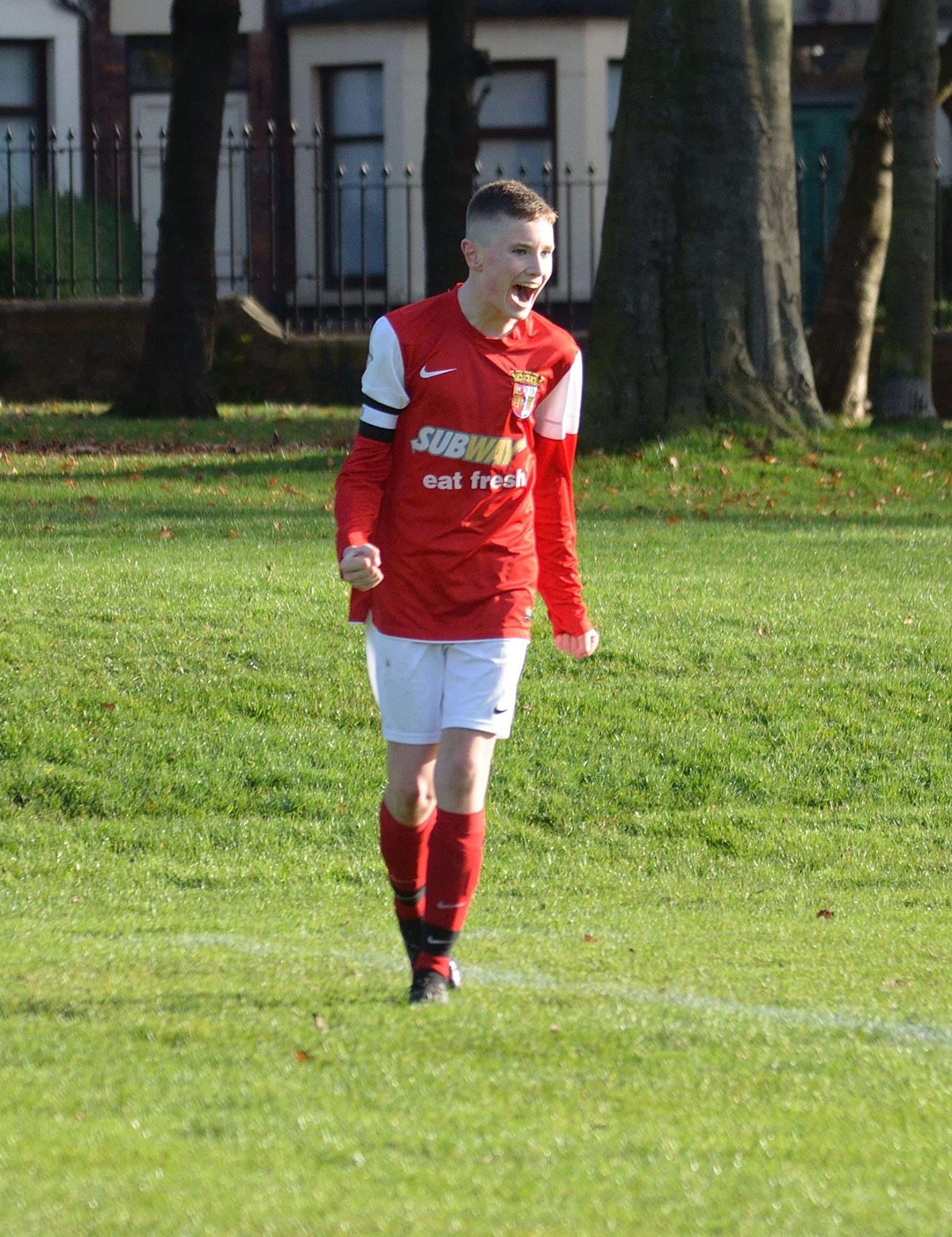
TW Braga Open Sunday Sessions
As TW Braga enters it's 5th year in operation we want to open our Sunday session so more players can receive the opportunity to receive coaching from our top line up and learn more about the club. Lin [...]
-
06/Aug 2017
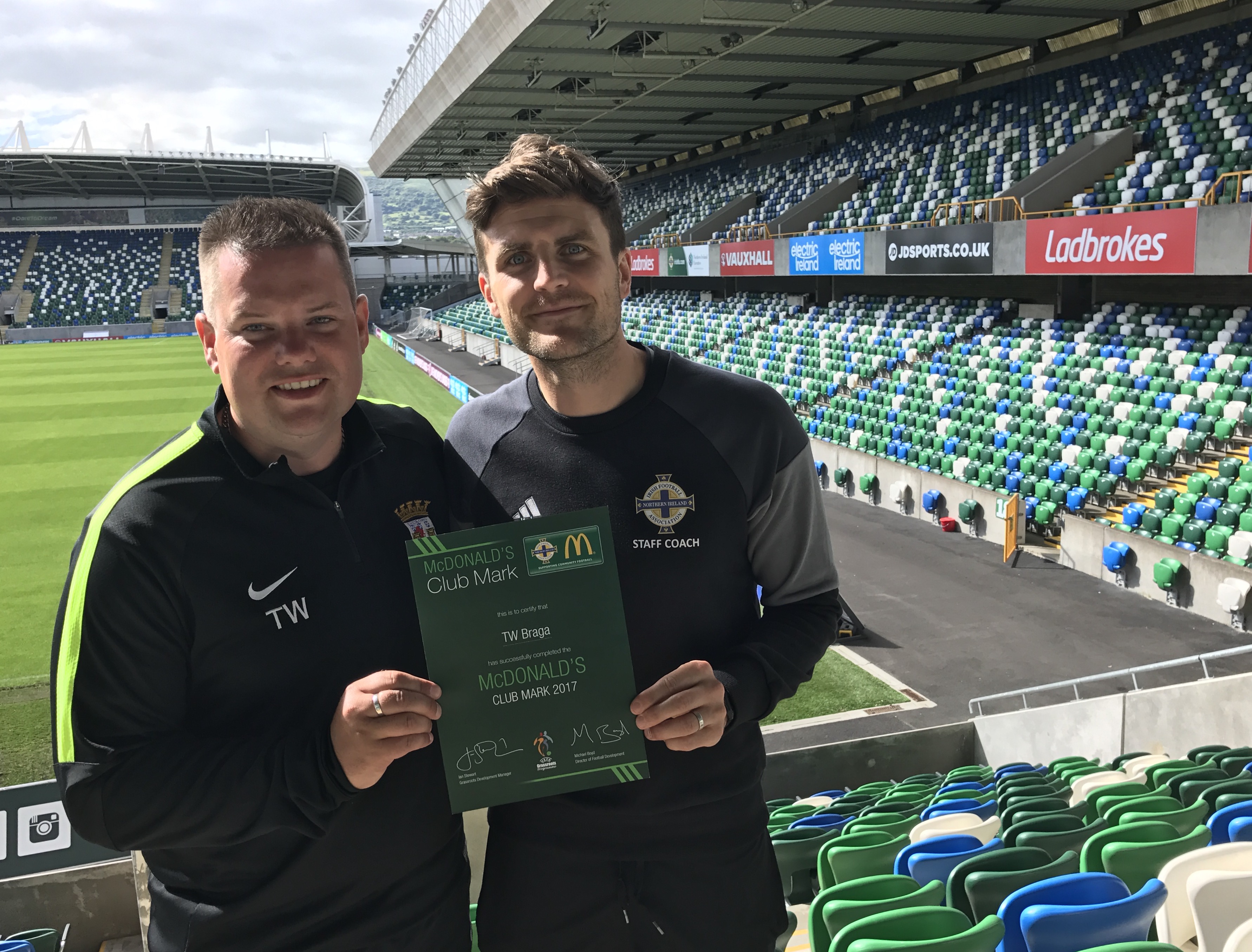
TW Braga Awarded 1* Club Mark by Irish FA
Proud moment for the club as TW Braga were presented with their 1* Club Mark Award for club accreditation at the National Stadium.The club have invested so much time on and off the pitch to get to thi [...]
-
13/Mar 2017
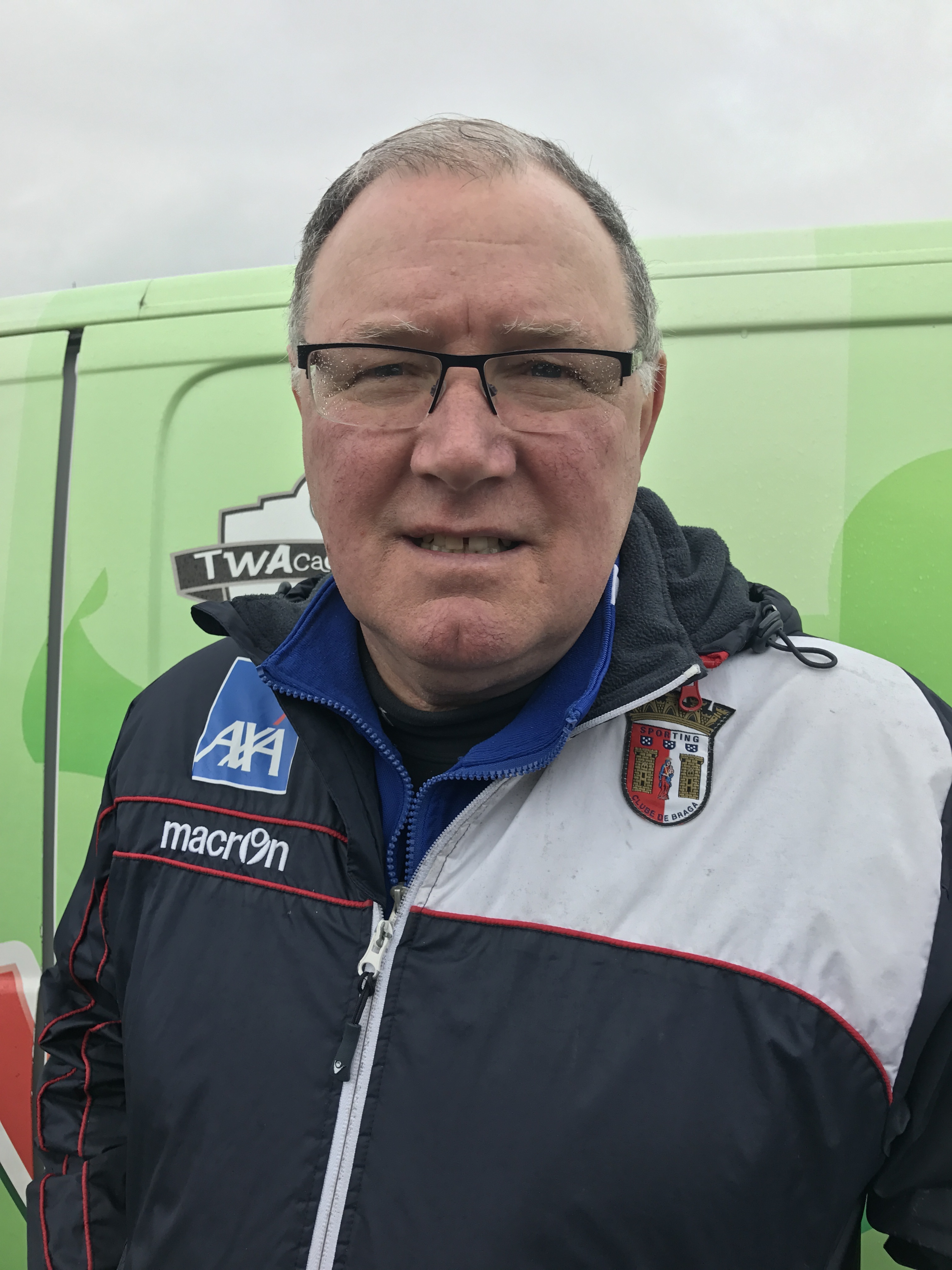
Paul Kirk Joins TW Braga
Pro Licence Coach, Paul Kirk, will be the new 2002 Head of Year at TW Braga.It's a coup for TW Braga to attract someone like Paul & the wonderful experience he will bring to the club. It shows the [...]
-
23/Dec 2016
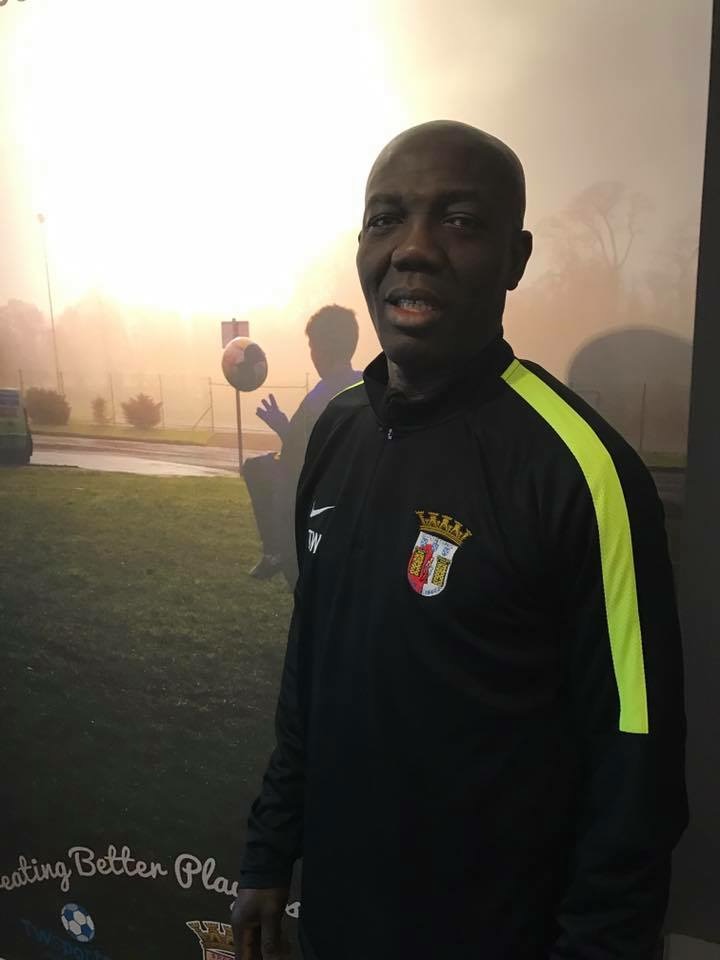
Donald Malomo-Paris Joins Team
We are very excited that UEFA Pro Licence Coach, Donald Malomo-Paris, has joined our coaching team. Donald will officially start his role on Tuesday 3 January.TW Braga Academy Director [...]
History
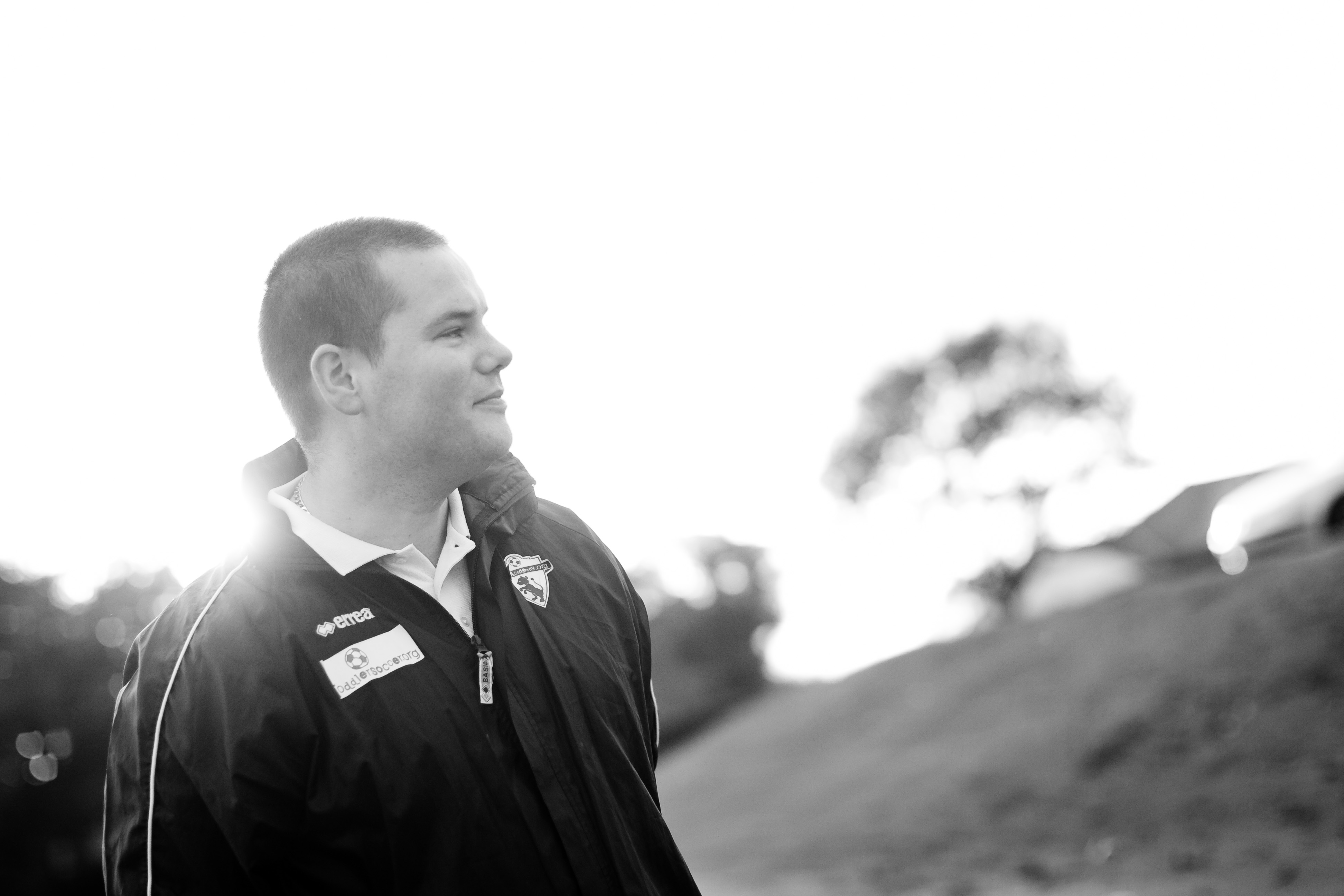
How TW Sports was set up
They say in life that the 3 most stressful situations is moving home, having a baby and changing jobs.
In the summer of 2005 we were about to move home and were awaiting the birth of our daughter. An advert came on the television about starting your own business and my partner, Leanne, said that's what we should do. Without a second thought, TWSports.Org was launched in the bedroom of our flat.
From that moment on my 9-5 job was replaced with the stress of running my own business 24/7 and working 90 hour weeks, but I wouldn't have it any other way.
Tim Wareing is from Belfast and has been involved in football all his life. Holding the prestigious UEFA European 'A' Licence, he has over 20 years of football coaching experience. This extends from grassroots, to semi professional level. During his six years at Irish Premiership Club, Lisburn Distillery, he implemented a very successful Youth Academy.
It was after standing down from his role that Tim decided to take a sabbatical. He used the time to recharge the batteries and re-educate himself, visiting some of the top European Clubs, including FC Barcelona, SC Braga, Ajax and PSV Eindhoven, where he studied and exchanged ideas in youth development.
His elite programme has featured on ITV and a number of National newspapers, as well as Tim being interviewed on National shows and even Sky News
Tim and his talented team also deliver a community program. Operating in every county across Northern Ireland they have over 25 weekly centres managed by a team of 20 coaches. This is from their award winning Toddler Soccer program and Mini Soccer, through to their school and Elite program. TW Sports celebrated 10 years in business in August 2015. They work with over 700 children every week.
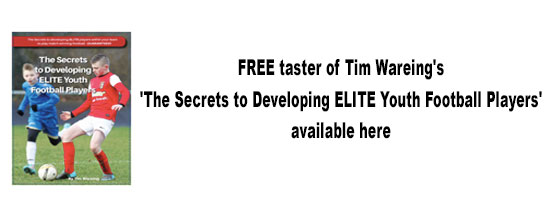
Along with the program in Northern Ireland Tim has been hired to deliver clinics in Southern Ireland, England, Europe and USA. He has published three books; 'Toddler Soccer The Essential Guide To A Toddler's First Steps In Soccer' , '1-on-1 Coaching The Secrets To Improve ALL Football Players - GUARANTEED!' , and 'The Secrets to Developing ELITE Youth Football Players', . Tim's books have sold in over 30 different countries.
Tim is married to Leanne and they have four children; Cameron, Amy, Max and Tom.
Contact
We want to make it easy for you to contact us. That is why we list below all our contact details from mail to email and social media. You are the most important people to us so we want to make it easy for you to get in contact with us regardless what your query is!
TWSports.Org
21 Downshire Park Central
Belfast BT6 9JN
07740120788
info@twsports.org
http://www.coachtim.org/
https://www.facebook.com/pages/twsportsgroup/129450824319
https://www.instagram.com/twsportsgroup/
https://twitter.com/TWSportsgroup
https://www.youtube.com/user/twsportsgroup
Published Books by Tim Wareing
Tim Wareing has published 3 books that have sold in over 30 different countries. You can order now by clicking on any of the front covers.
Toddler Soccer Book

1-on-1 Coaching Book
Elite Coaching Book
TW Channel
Official Home Club Sponsor

Official Away Club Sponsor
TW Braga Frame Football Sponsor

Official Kit Supplier